-27-
Advanced
J
Samba
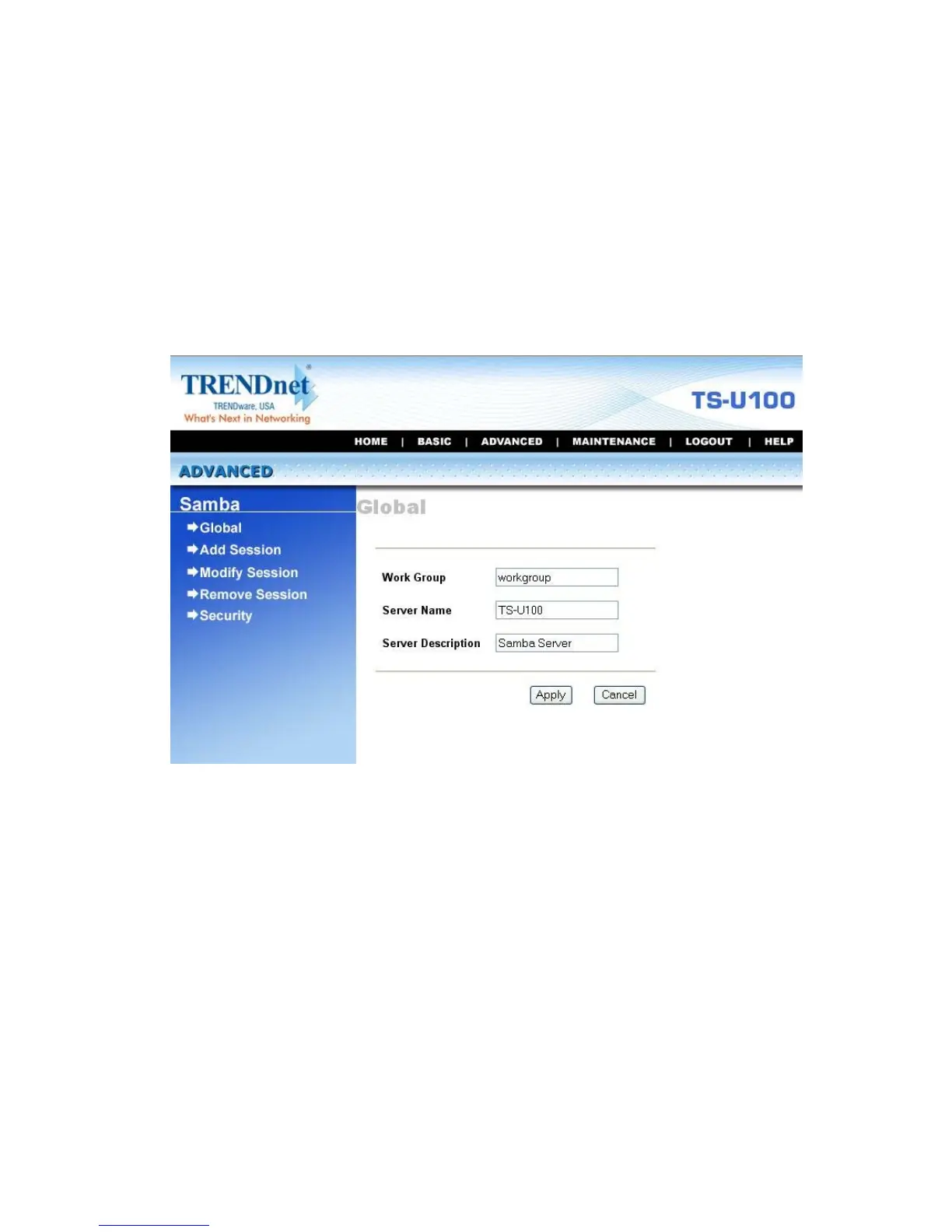
The Samba submenu allows you to set up the Workgroup name for the
storage server, and change the name and description of the storage
server. You can also manage the session in this submenu.
Advanced Menu – Samba
z Global: Enter the Workgroup name for the storage server; and
you can change the name and description of the storage server
z Add/Modify/Remove Session: You can add/modify/remove the
tasks in these relative options.
z Security: You can configure the security function by selecting
NO, Allow IP, and Deny IP through the Filter Action pull-down
menu.



 To Next Page