-29-
Advanced
J
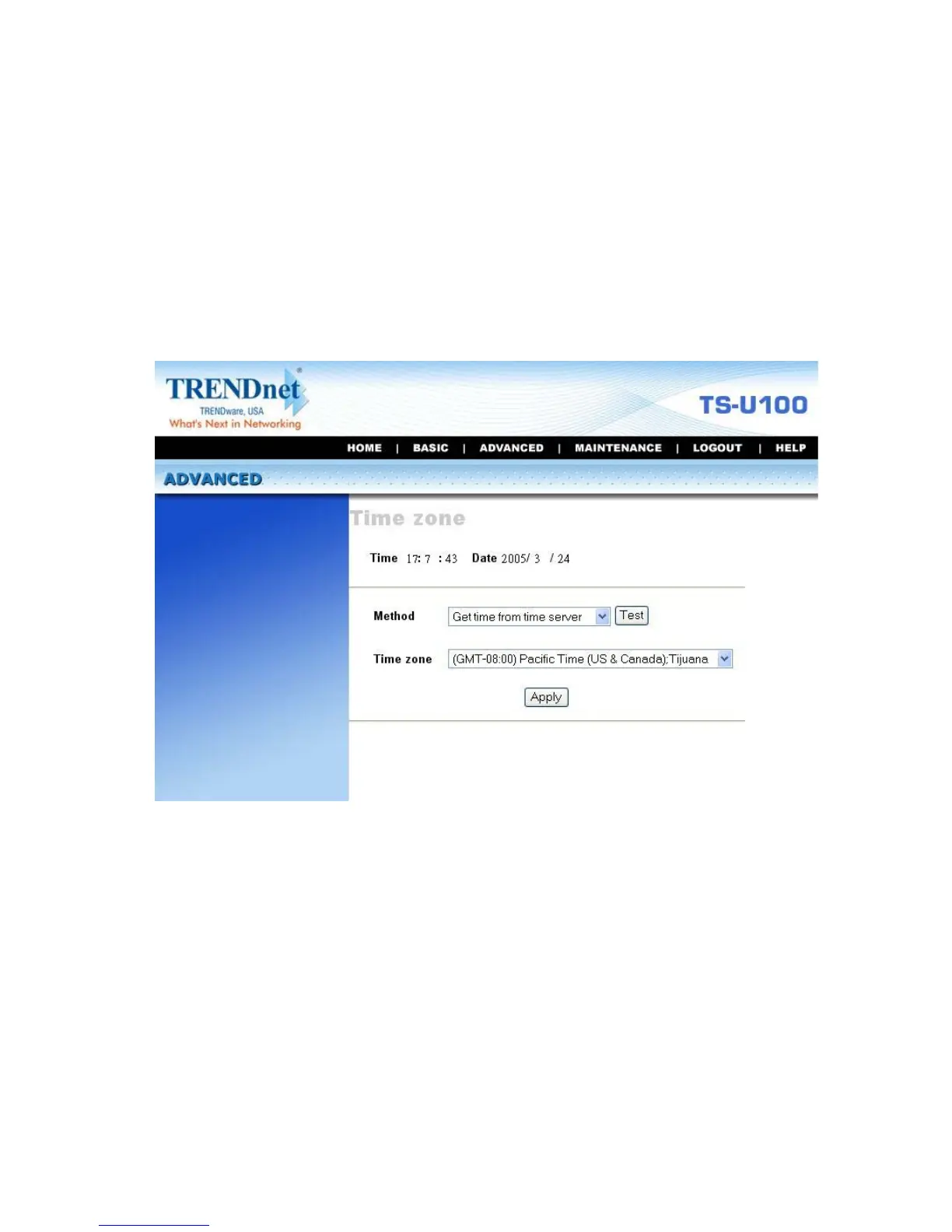
Time Zone
The Time zone submenu displays the current time setting of the
storage server. For system management purpose, a correct time
setting is critical to have accurate time stamps on the system logs.
Advanced Menu – Time Zone
The Method pull-down menu allows you to set up the correct time by
getting time from the computer or time server (need an Internet
connection). In the Time Zone pull-down menu, select a time zone
according to your location.



 To Next Page