Broadband Router User Guide
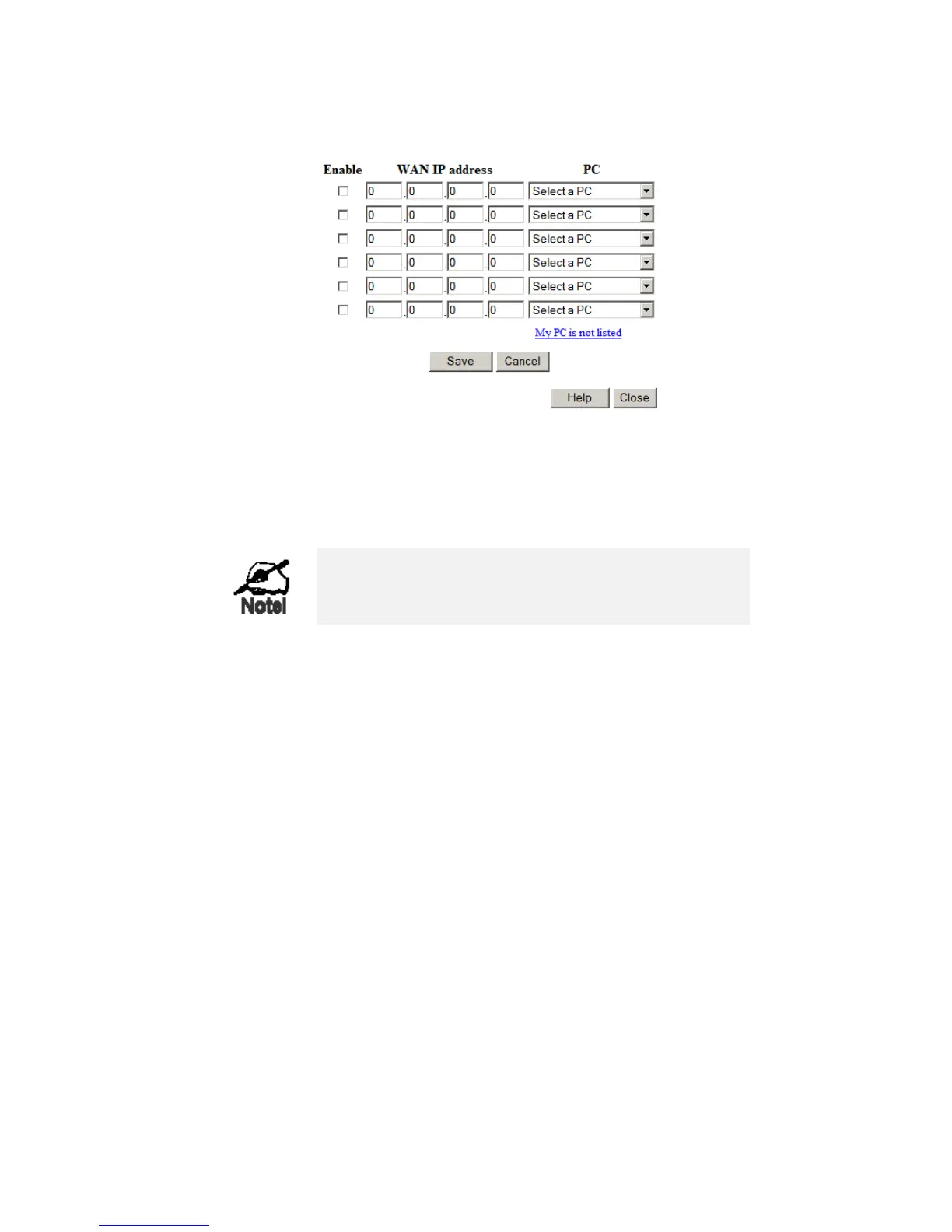
• All outgoing traffic from the DMZ PC will be assigned the WAN IP address associated with it, rather than the shared IP address
on the WAN port. Note that ONLY the DMZ PC will use the WAN (Internet) IP address you enter on this screen.
To use this feature:
• Enter an IP address allocated to you by your ISP into the WAN IP address field.
• Select the PC to be the DMZ PC for traffic sent to this IP address.
• Enable this DMZ.
The "DMZ PC" is effectively outside the Firewall, mak-
ing it more vulnerable to attacks. For this reason, you
should only enable the DMZ feature when required.
54






 To Next Page