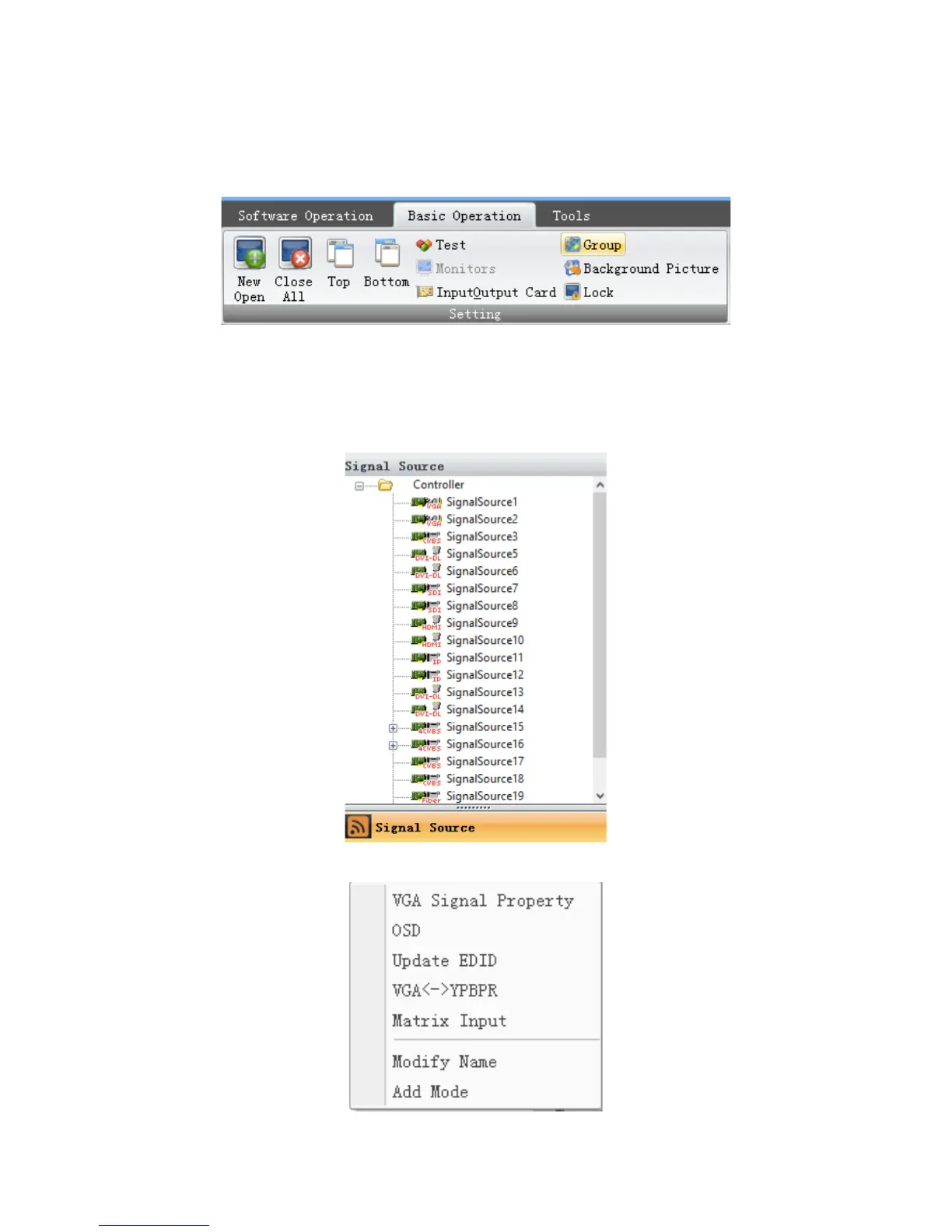
(4) Channel Mapping
Clicking the ‘group’ on the ‘Basic Operation’ menu to set the output mapping from
logical channel to physical port.
(5) Signal Source Setting
The signal source list located on the left of the software UI. The icon of each signal source will
turns green if input signal has been detected on corresponding channel.
Users can configurate the settings of the signal source by right-clicking one of them.


 To Next Page