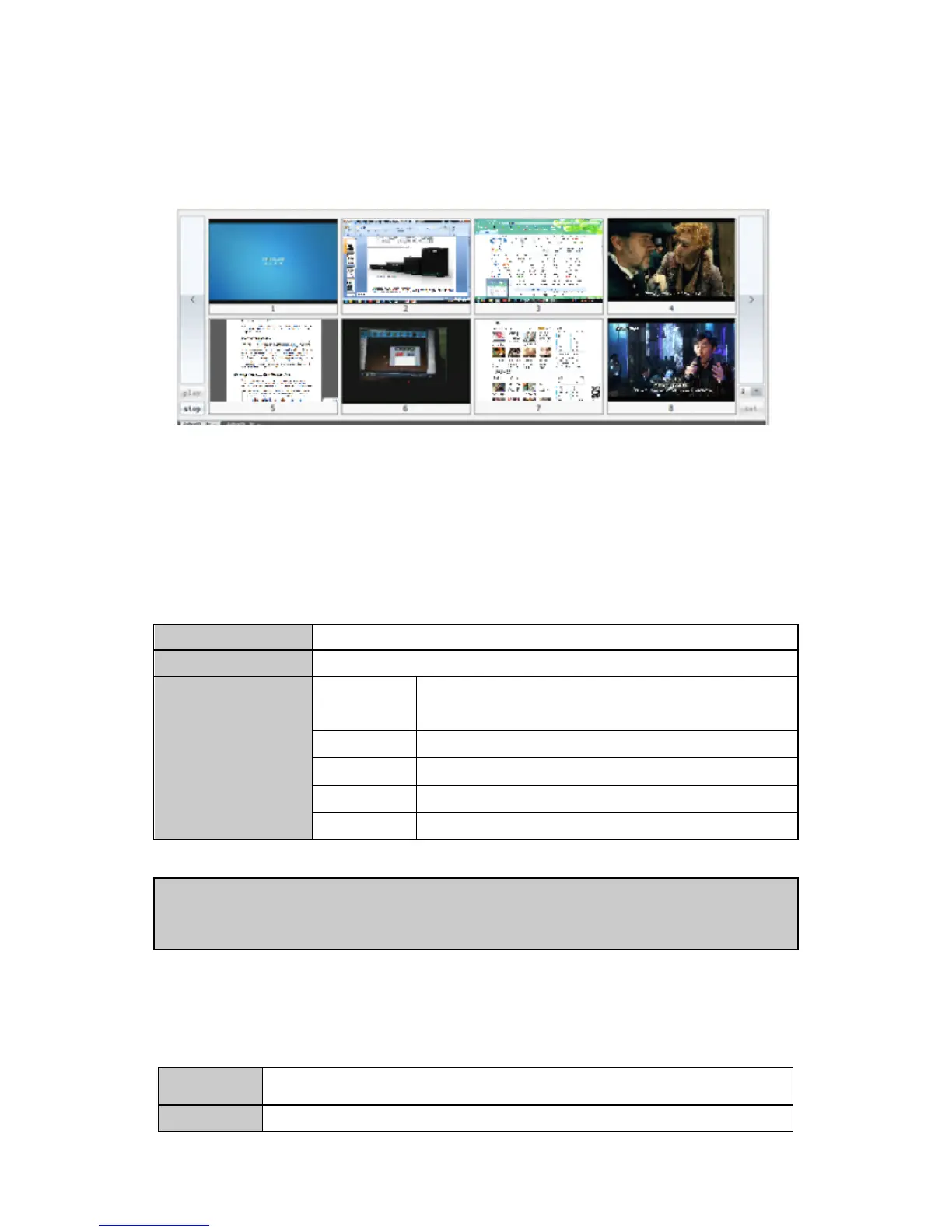
The preview region is shown on the bottom of the software UI. User can preview the input
signal by clicking the “play” button. The input signal can be previewed in a larger window
by double clicking it.
5. Instruction set
1. Set the layout of video-wall
<wmod, screen_id, hnum, vnum, hgap, vgap>
To set the screens’ layout of the video-wall
The video-wall ID (0 indicates video-wall 1, 1 indicates
video-wall 2, 2 indicates video-wall 3, 3 indicates video-wall
4,)
The amount of displays in a row
The amount of displays in a column
The gap between horizontal adjacent displays
The gap between vertical adjacent displays
【Example】<wmod,0,3,2,15,15>
Indicates the video-wall 1 is combined in a 3*2 layout, the horizontal and vertical gaps
between adjacent displays are both 15 pixels.
2. Set the display resolution
<sset, Screen_ID, total_line, total_pix, act_vpos, act_vsize, act_hpos, act_hsize,
hs_width, vs_width, dis_freq_h, dis_freq_l, hsync_pol, vsync_pol>
To set the output resolution to one single display on the video-wall


 To Next Page