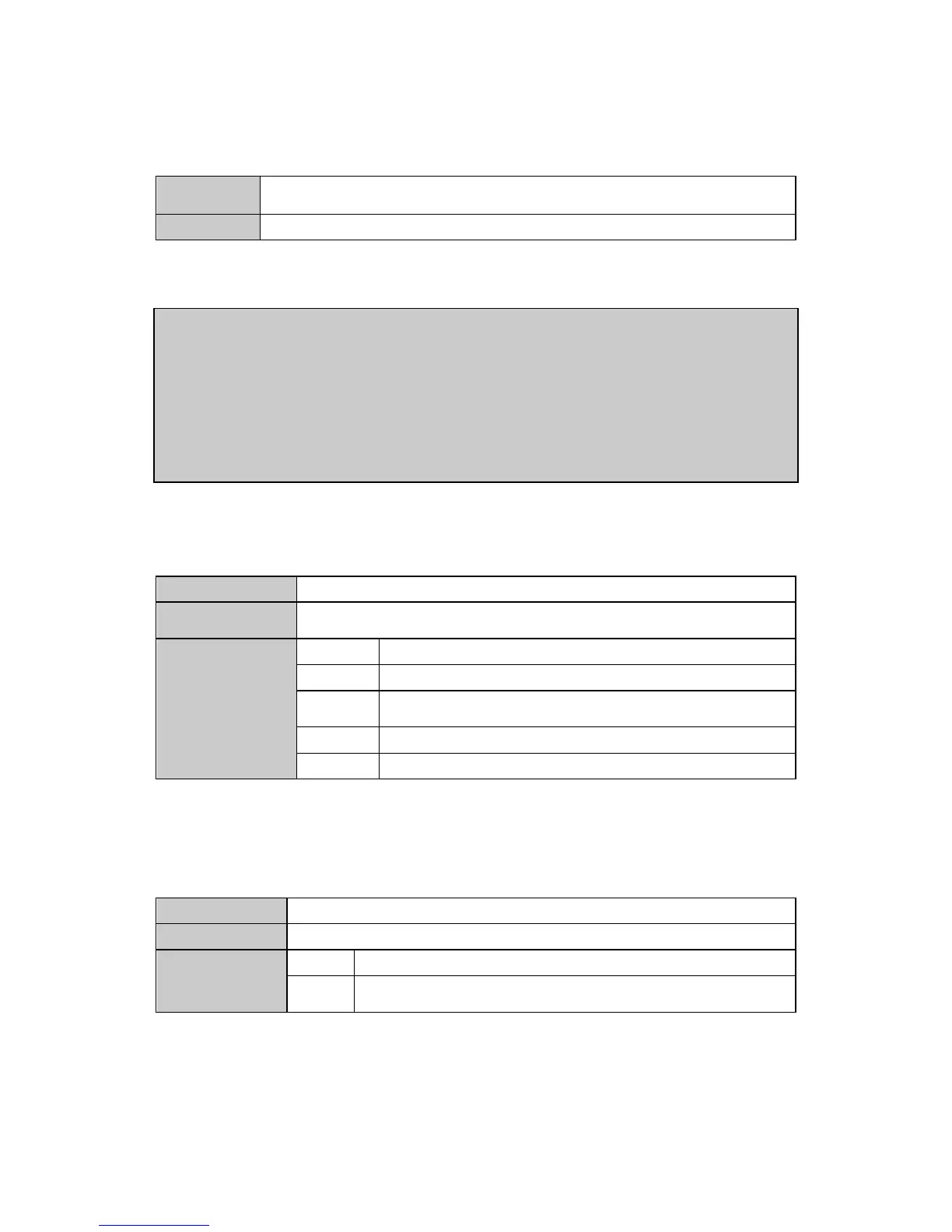
25. Returning the time of device
Returns the time of the device.
【Example】<trea>
<Year : 2012
month : 2
date: 14
day: 2
hour: 17
minute: 44
second: 35>
26. Setting the background image enabling
<bken, Screen_id, Bk_en, Flash_base, Pic_hsize, Pic_vsize>
To set the enabling of the background image and the displaying range of the
background image
0:Disabling background image 1:Enabling background image
The storage ‘page’ address of background image on flash, one
page is 2048 byte.
The horizontal width of the background image
The vertical height of the background image
27. Setting the format of input signal
To set the format of input signal(apply to VGA/YPbPr input card)
Value equals to ‘0’ indicates VGA signal input, value equals to ‘1’ or
‘2’ indicates YPbPr signal input.
6. Installation Instruction


 To Next Page