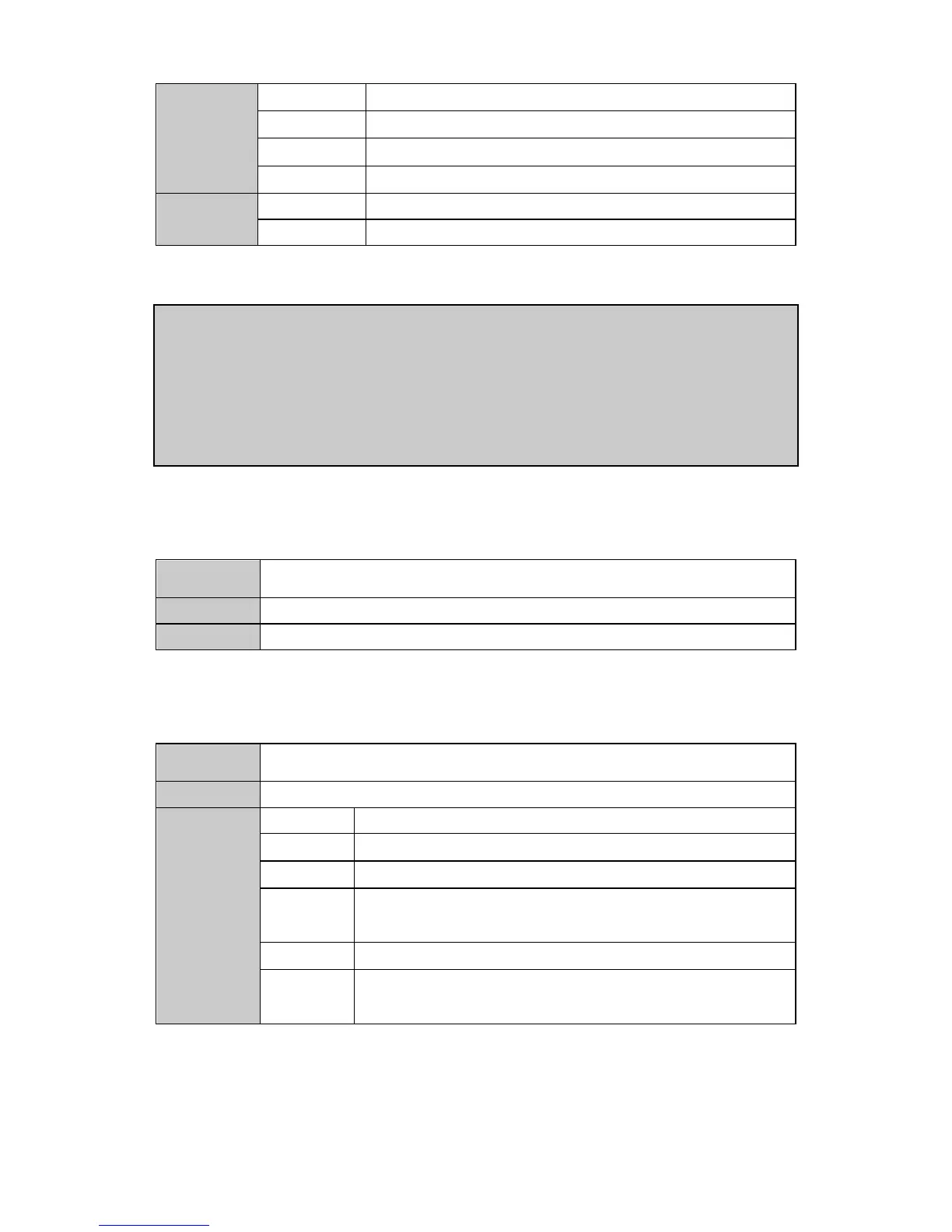
The horizontal starting pixel of the window on video-wall
The horizontal ending pixel of the window on video-wall
The vertical starting pixel of the window on video-wall
The vertical ending pixel of the window on video-wall
The window ID has already been taken
【Example 1】<open, 1, 0, 1, 0, 0, 0, 0, 0, 0, 1365, 767>
To create a window with ID 0 on video-wall 2, the input channel 1 is used as signal
source, and no cropping has been processed.
【Example2】<open,0,1,2, 0,512,0,512, 0,0,1365,767>
To create a window with ID 1 on video-wall 1, the input channel 2 is used as signal
source, and crops the 512*512 section of the left-top corner to displaying on window.
<move, W_ID, SourceCh, src_hstart, src_hsize, src_vstart, src_vsize, x0, y0, x1, y1>
To move the window to a specified position
5. Switching the signal source of window
<icha, w_id, SourceCh, src_hstart, src_hsize, src_vstart, src_vsize>
To switch the signal source of a specified window
The horizontal starting pixel of the signal source
The horizontal ending pixel of the signal source . If the value is 0,
means the original horizontal size of the signal source, and the
src_hstart is useless
The vertical starting pixel of the signal source
The vertical ending pixel of the signal source . If the value is 0, means
the original vertical size of the signal source, and the src_vstart is
useless


 To Next Page