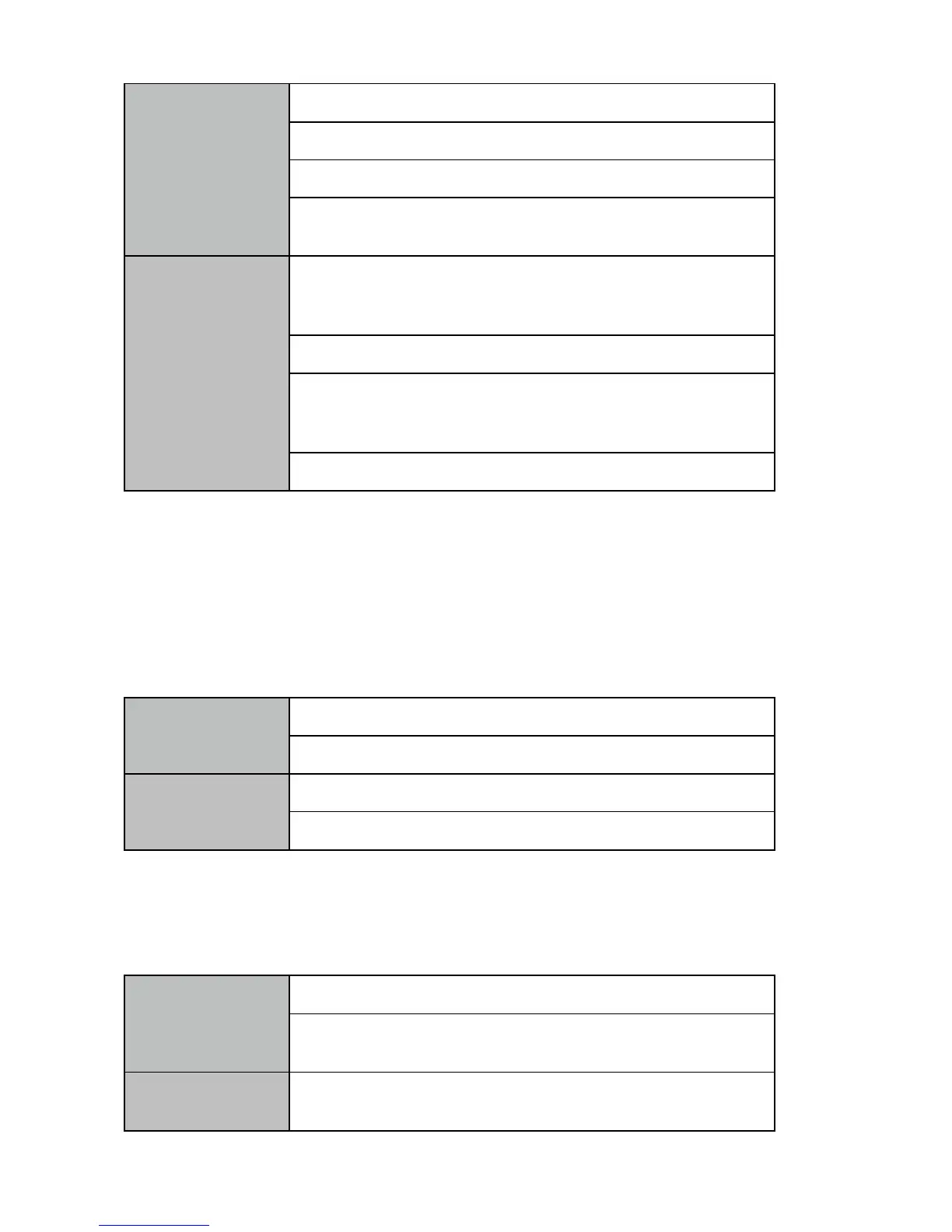
The cable is not well connected
Incorrect color adjustment of the equipment
The color tune of the using software is
incorrect
After the connecting the port, please tighten
the screw and prevent the movement caused
by pulling
Please replace with a good quality VGA line
Adjust the color balance of the display
equipment by referring to the manuals of the
display equipment
Re-adjust the color tune by controlling software
7.4 Shaking or noisy point on image
Long cable causes serious signal attenuation
The signal source is unstable or damaged cables
Recommended to use the cable driver by our company.
Adjust the input signal can using cable with high quality
7.5 Dark edge on the display
Video signal has been cropped by the display
Inappropriate adjustment to the video on the controlling
software
Adjust to the default setting in the software according to the
equipment instructions


 To Next Page