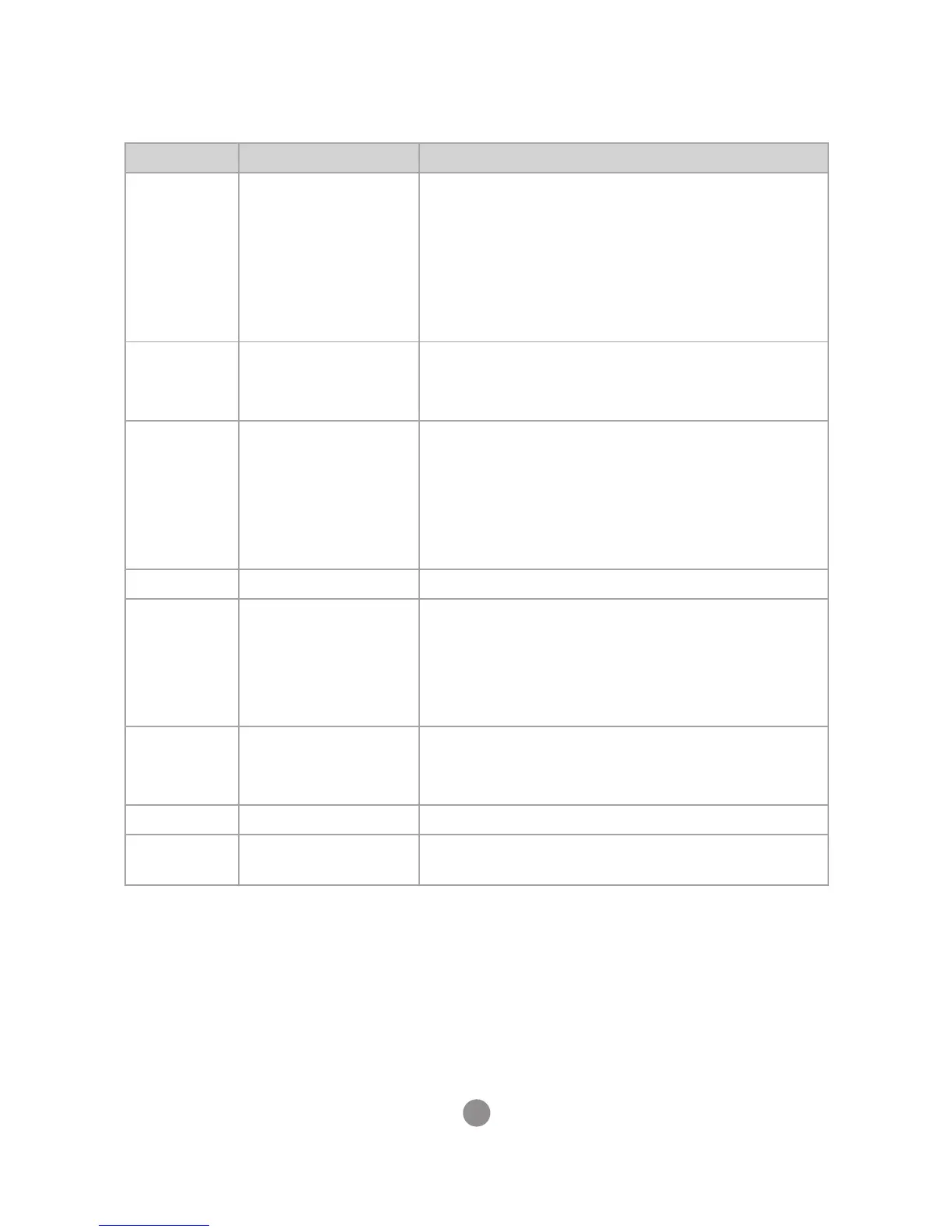
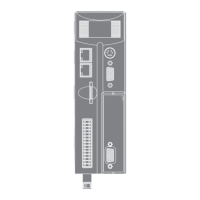
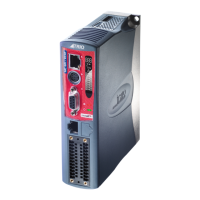
5
Product Specic Feature Requirements
Controllers
with metal
chassis or
metal back
panel
Protective Earth
Connection
1. Mount on bare metal backplane
2. Use a minimum 4mm wide but preferred
10mm wide, braided conductor to connect
Chassis to PE, as close to the Motion
Coordinator as possible
3. (See EMC Earth on page 9 and EMC Section in
the Product Technical Manual)
Flexslice
Coupler
Flex-6 Nano
Cable routing 1. Cable <100m in length
HMI Uniplay Chassis Ground 1. Connect between FG on the HMI power
terminal and machine chassis or local PE
2. At a minimum: #14 AWG Ground wire
3. Highly recommended: 10mm wide braided
conductor to connect FG to machine chassis
or PE, as close to the HMI as possible
MC4N SD Card Slot 1. Retain plastic slot protector when not in use
MC302X All Cables 1. Screened cable
2. Connect screen to Chassis at both ends
(See Cable Shields on page 11 and Product
Technical Manual)
3. 0V reference connected at both ends
MC4XX /
MC5XX /
MC6XX
Digital I/O 1. Screened cable or EMC Mesh, (due to high
speed inputs)
2. Connect screen to metal chassis at both ends
MC464 RS232 / RS485 1. <3m in length
PC-MCAT All Cables 1. <3m in length except for Ethernet and
Ethercat ports


 To Next Page