CCTV TESTER User Manual
11
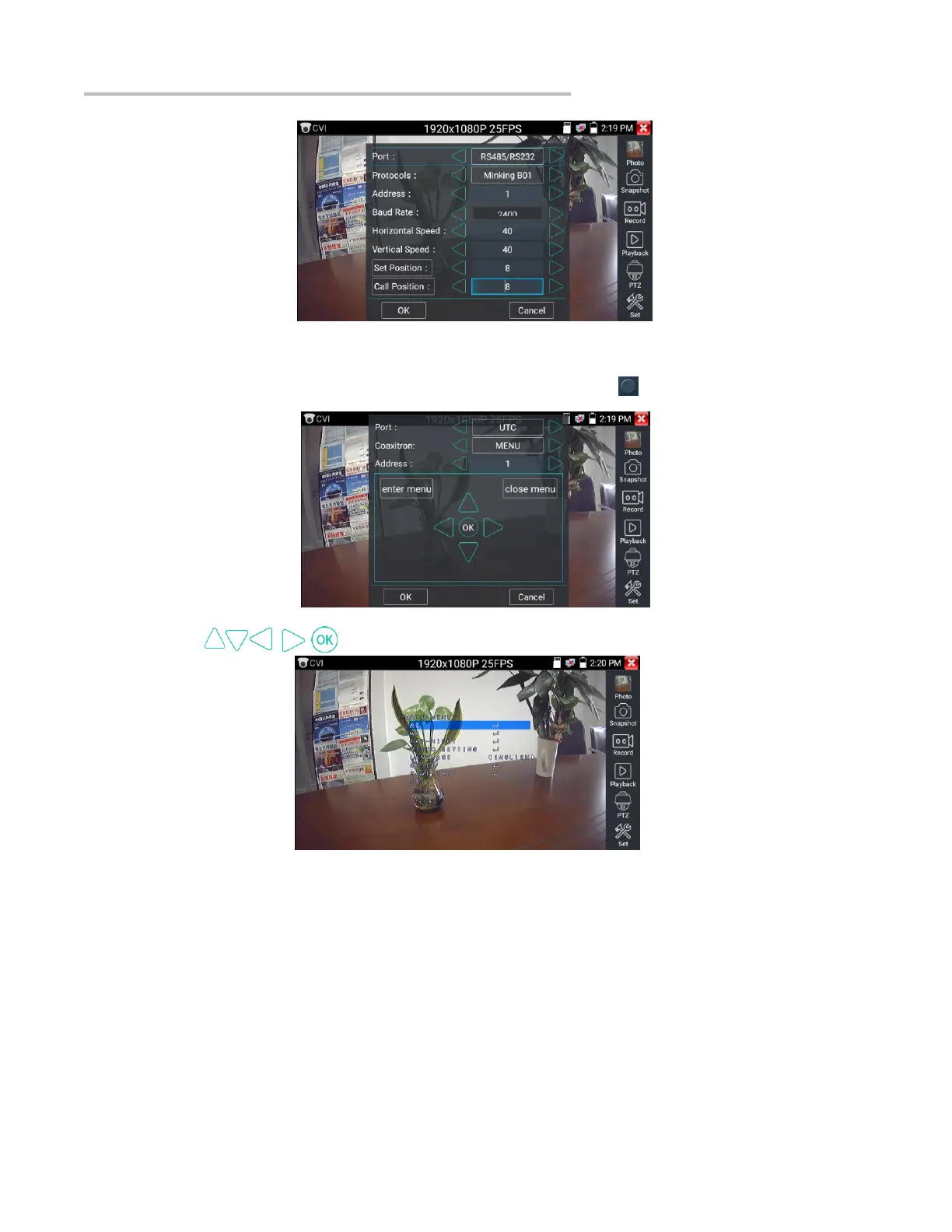
(2)Coaxial camera menu setting
Input calling dome camera menu address code, you can press the key “Enter” or click the icon to call the dome camera menu.
set the parameters by
5.4 TVI camera test
When using an HD TVI signal input, the tester will display the image resolution at the top of the screen. Double tap on the screen to display
the image in full screen.
The tester supports resolution up to 3840 x 2160P 12.5/15 FPS.
Coaxial camera menu settings:
Tap icon “UTC”, select “MENU” to enter the dome camera menu.


 To Next Page