Survey Pro Reference Manual
R-66
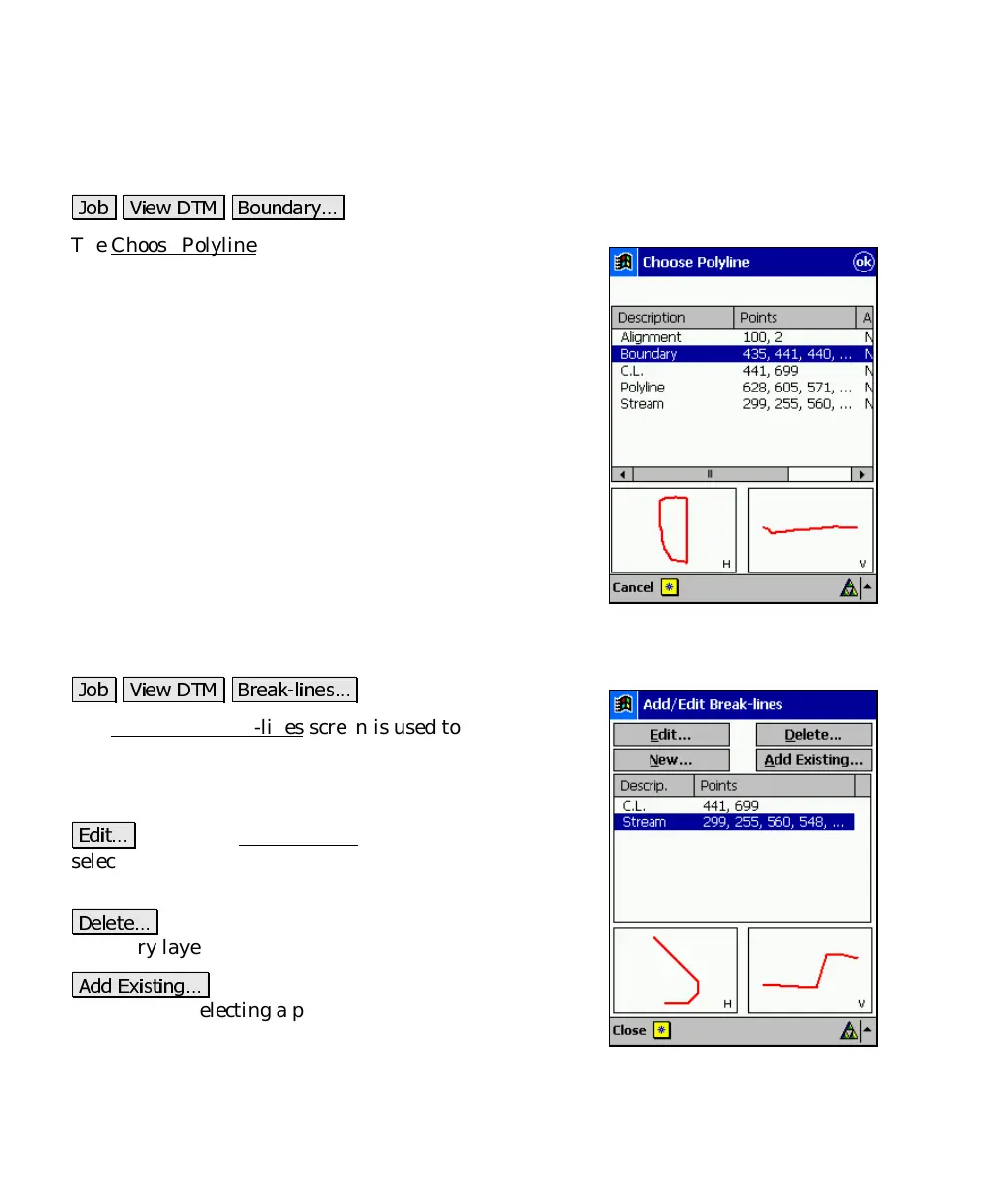
Choose Polyline
.
* )(,
#
The Choose Polyline screen is used to select an existing
polyline.
All the polylines in the current job are displayed. Select
the appropriate polyline and tap OK.
Add/Edit Break-lines
.
* )(,
2
The Add/Edit Break-lines screen is used to select, edit,
create, or delete the break-lines that will be used when
computing the DTM. The break-lines that will be used
when computing the DTM are listed in this screen.
'#
: opens the Edit Polyline
screen where the
selected polyline can be modified or a new polyline can
be created.
)
: will move the selected polyline to the
Auxiliary layer.
## '&
: will display all the polylines in the
current job. Selecting a polyline and tapping OK will
move the selected polyline to the DTM layer.



 To Next Page