Survey Pro Reference Manual
R-68
Points on DTM Layer
.
* )(,
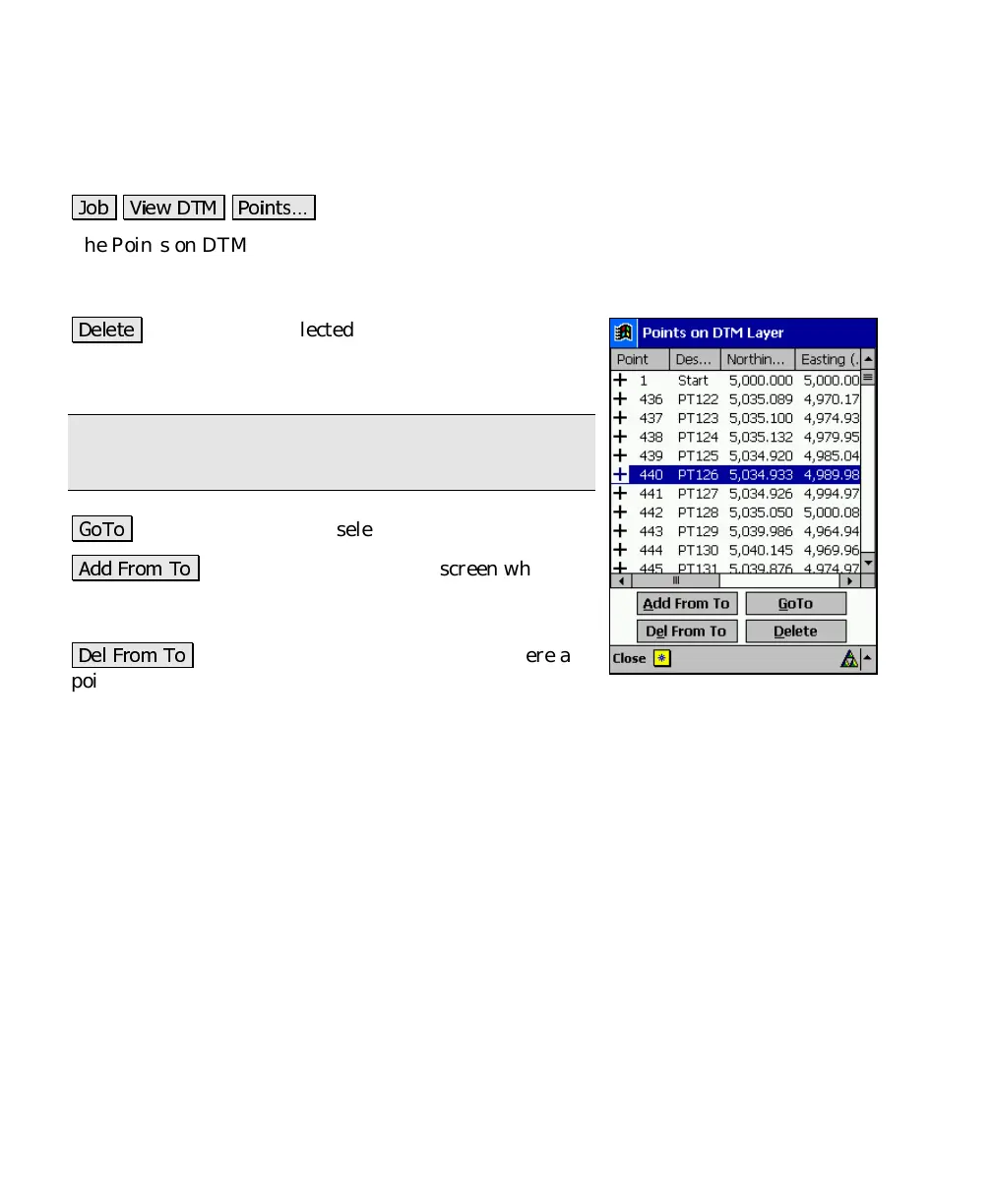
The Points on DTM Layer screen displays all the points on the DTM
layer and allows you to add points from another layer or delete (move)
points to a different layer.
)
: will move the selected point(s) to the Auxiliary
layer. If the Auxiliary layer is not specified, you will be
prompted to select the layer to move the points to.
Note: Points on a boundary or break-line cannot be
deleted.
/(
: will quickly find and select the specified point.
## " (
: opens the Select Point(s) screen where a
point range can be entered. The points will then be
moved to the DTM layer.
) " (
: opens the Select Point(s) screen where a
point range can be entered. The points will then be
moved to the Auxiliary layer.



 To Next Page