4
UPS ON/OFF
• Plug the UPS into a live, grounded outlet.
The LCD display will illuminate, the battery charger will engage as necessary and the SURGE PROTECTED outlets will begin passing
power.
• Plug equipment into the UPS:YourUPSisdesignedtosupportelectronicequipmentonly.YouwilloverloadtheUPSifthetotal
VAratingsforalltheequipmentyouconnecttothe“Battery,SurgeandNoiseProtected”outletsexceedtheUPS’sOutputCapacity.
Toestimateyourequipment’spowerrequirements,lookonthenameplate.Iftheequipmentislistedinamps,multiplythenumber
ofampsby120todetermineVA,(Example:1ampx120=120VA).YourUPSisfullyloadedwhenthedisplayindicates100%
load.
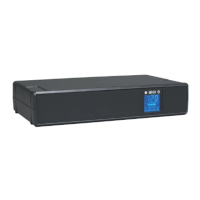
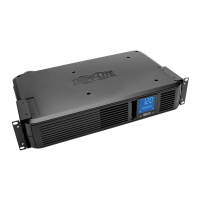
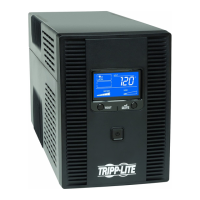
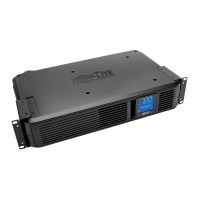
• Turn the UPS on: Press and hold the POWER BUTTONforonesecond.TheUPSalarmwillbeeponcebriey.
TheBATTERY/SURGEPROTECTEDoutletswillbeginpassingAClinepower.TheUPSwillautomaticallyrechargeinternalbatteriesas
needed.Onceturnedon,yourUPSisreadytoprotectconnectedequipmentfromblackouts,brownouts,overvoltagesandtransient
surges.
• Turn the UPS off: Press and hold the POWER BUTTONforonesecond.
Basic Operation
12-12-069-93-327C.indb 4 12/6/2012 9:28:35 AM



 To Next Page