EasyManua.ls Logo

Triton TGEOS - User Manual

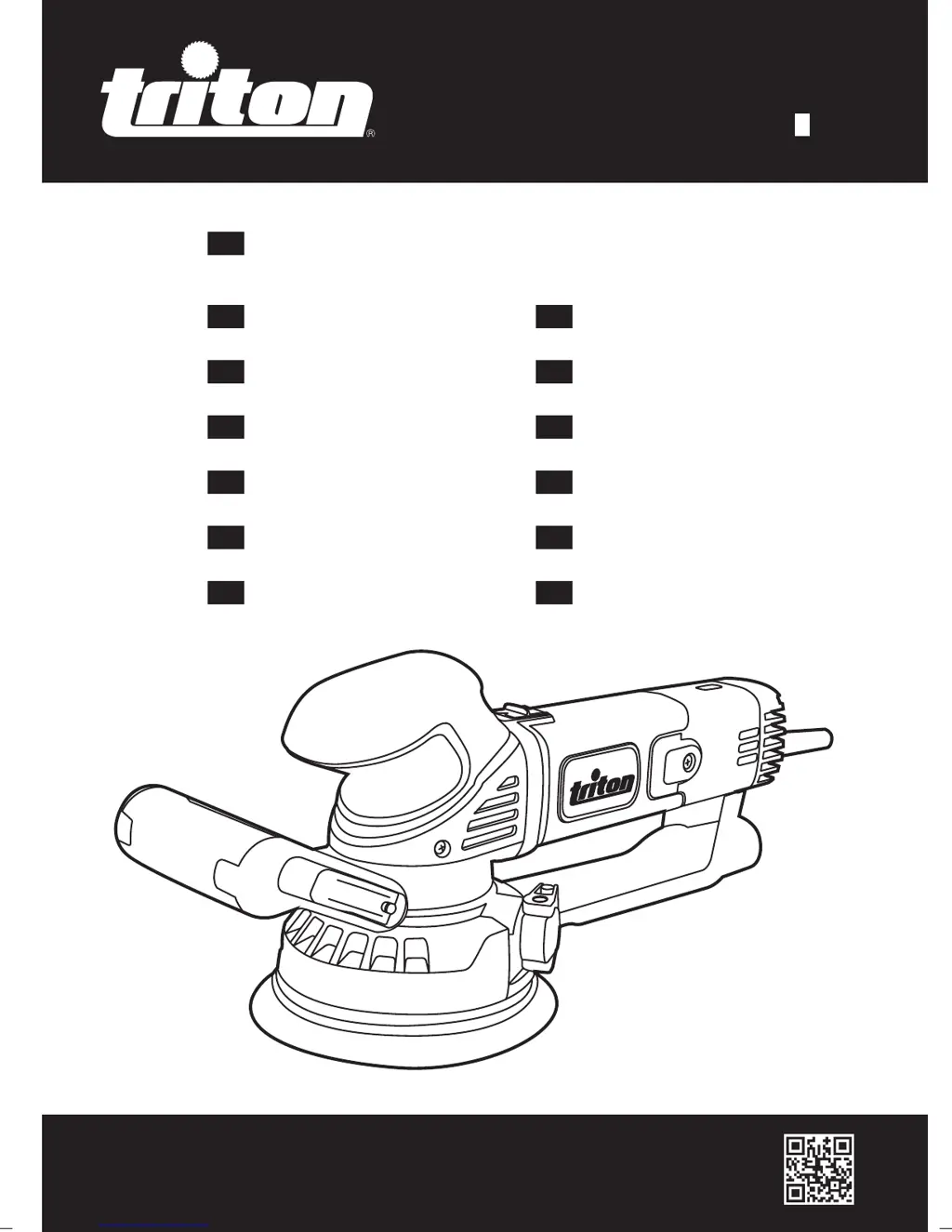
Triton TGEOS
108 pages
Print Icon
To Next Page IconTo Next Page
Loading...
tritontools.com
T GEOS
Geared Eccentric
Orbital Sander
150mm / 6"
Operating and Safety Instructions
Bedienings- en
veiligheidsvoorschriften
Instruções de
Operação e Segurança
Instructions d’utilisation
et consignes de sécurité
Instrukcja obsługi
i bezpieczestwa
Gebrauchs- und
Sicherheitsanweisung
Инструкции по эксплуатации и
правила техники безопасности
Istruzioni per l’uso
e la sicurezza
Kezelési és
biztonsági utasítások
Instrucciones de
uso y de seguridad
Provozní a
bezpečnostní pokyny
Prevádzkové a
bezpečnostné pokyny
Çalıma ve
Güvenlik Talimatları
GB
D
RU
NL
PT
I
HU
F
PL
ESP
CZ
SK
TR
460509_Z1MANPRO1.indd 2 24/04/2015 10:20

Table of Contents

Other manuals for Triton TGEOS

Questions and Answers

  • R
    Rachael MooreJul 26, 2025
    Why is my Triton Sander emitting excessive dust?
    • J
      James ThompsonJul 27, 2025
      If your Triton Sander is emitting excessive dust, first, check the vacuum hose connection and ensure the dust extraction system is switched on. If the dust extraction isn't working, realign the sanding disc and unblock any dust extraction holes.
  • C
    Chelsey BonillaJul 31, 2025
    What to do if Triton TGEOS leaves scratches?
    • D
      david89Jul 31, 2025
      If your Triton Sander leaves scratches on the workpiece after sanding, it might be due to a sanding disc that's too coarse. Try fitting a new sanding disc with a finer grit. If not enough material was removed, continue sanding.
  • M
    mklineAug 4, 2025
    How to prevent burn marks with Triton TGEOS Sander?
    • J
      joybellAug 4, 2025
      If your Triton Sander is producing burn marks on the workpiece, it could be due to several reasons. First, ensure you're using a sanding disc compatible with the material. If the tool speed is set too high, decrease it. Also, avoid applying too much pressure while moving the machine. Finally, check that the correct sanding mode is selected.
  • L
    Linda BurkeAug 8, 2025
    Why is Triton TGEOS Sander slow at material removal?
    • A
      Amy SandersAug 8, 2025
      If your Triton Sander isn't removing material quickly enough, there are a few things to check. Make sure you're using a sanding disc with a coarser grit, and replace it if it's worn. Also, increase the tool speed. Finally, ensure you have selected the correct sanding mode.
  • W
    wanda16Aug 12, 2025
    What to do if Triton TGEOS motor has cut-outs?
    • A
      Amy WardAug 12, 2025
      If your Triton Sander motor suffers from cut-outs, loss of performance, and produces sparks or burning smells, the carbon brushes may be worn. Replace the carbon brushes or have them replaced by an authorized Triton service center.
  • E
    Elizabeth RoseAug 17, 2025
    Why Triton TGEOS has no sanding action?
    • S
      shannon67Aug 17, 2025
      If your Triton Sander motor runs but there's no sanding action when you operate the On/Off Sliding Switch, make sure the Mode Selector Switch is fully turned and locked into one of the two possible positions to ensure the gears are engaged.
  • B
    Brian GomezAug 21, 2025
    How to fix Triton Sander when it doesn't turn on?
    • M
      Matthew WilsonAug 21, 2025
      If your Triton Sander isn't functioning when you operate the On/Off Sliding Switch, first check if the Power Indicator is illuminated and verify the power supply. If power is not the issue, the On/Off Sliding Switch may be defective and need replacement by an authorized Triton service center.

Summary

Product Familiarisation

Product Components Overview

Identifies and labels all parts of the sander for user recognition.

Included Accessories

Lists the accessories that come with the tool for user reference.

Description of Symbols

Safety and Warning Icons

Explains important safety symbols and warnings found in the manual.

Environmental and Compliance Symbols

Details symbols related to environmental protection and regulatory compliance.

General Safety

Work Area and Electrical Safety

Covers precautions for maintaining a safe work environment and electrical safety.

Personal Safety and Protective Equipment

Outlines necessary personal protective gear and safe operating practices.

Power Tool Usage and Care

Provides guidelines for the correct and safe use, maintenance, and storage of the power tool.

Service and Repair

Details requirements for professional servicing and repair to maintain tool safety.

Sanding Tool Safety

Essential Safety Precautions

Lists critical safety measures for operating the sanding tool effectively and safely.

Intended Use

Product Application Scope

Defines the intended purpose and materials for which the sander is designed.

Unpacking and Preparation

Tool Unpacking and Inspection

Guides users through unpacking the tool and verifying all components are present and undamaged.

Fitting the Backing Pad

Step-by-step instructions for attaching or replacing the sander's backing pad.

Selecting Sanding Disc Grade

Advises on choosing the appropriate grit of sanding disc for different finishing tasks.

Fitting a Sanding Disc

Attaching Sanding Discs

Details the process for correctly fitting sanding discs to the backing pad.

Adjusting the Auxiliary Handle

Explains how to adjust the auxiliary handle for optimal user comfort and control.

Dust Extraction System

Connecting the Dust Collector

Instructions on how to connect a vacuum hose for effective dust extraction.

Selecting Sanding Mode

Understanding Sanding Modes

Describes the two available sanding modes and how to select them.

Operation and Controls

Switching On;Off and Speed Adjustment

Guides on operating the power switch and adjusting the tool's speed settings.

Sanding Techniques and Tips

Provides advice on proper sanding techniques, pressure, and workpiece securing.

Specifics for Sanding Metal

Outlines additional safety measures and precautions when sanding metal surfaces.

Accessories and Purchasing

Available Accessories and Spares

Information on purchasing genuine Triton accessories and spare parts.

Maintenance and Cleaning

General Inspection and Lubrication

Routine checks and lubrication advice for maintaining the tool's performance.

Cleaning Procedures

Instructions for safely cleaning the tool body and components.

Dust Extraction Port Maintenance

Steps for removing and cleaning the dust extraction port for optimal airflow.

Maintaining Key Components

Backing Pad Brake Maintenance

Information on maintaining the backing pad brake for proper acceleration control.

Hook and Loop Surface Care

Guidance on keeping hook and loop surfaces clean for secure accessory attachment.

Carbon Brush Replacement

Instructions on how to check and replace worn carbon brushes for motor performance.

Storage and Disposal

Safe Tool Storage

Recommendations for storing the tool and accessories safely when not in use.

Proper Disposal Procedures

Guidelines for environmentally responsible disposal of the tool and batteries.

Troubleshooting Guide

Resolving Power and Switch Issues

Solutions for problems related to power supply and the on/off switch functionality.

Addressing Sanding Performance Problems

Tips for fixing issues like slow material removal, scratches, and burn marks.

Fixing Dust Emission Issues

Guidance on resolving problems with excessive dust emission during operation.

Guarantee and Compliance

Product Guarantee Information

Details regarding the product's warranty period, registration, and terms.

CE Declaration of Conformity

Information on the product's compliance with relevant European directives and standards.

Triton TGEOS Specifications

General IconGeneral
BrandTriton
ModelTGEOS
CategorySander
LanguageEnglish

Related product manuals