EasyManua.ls Logo

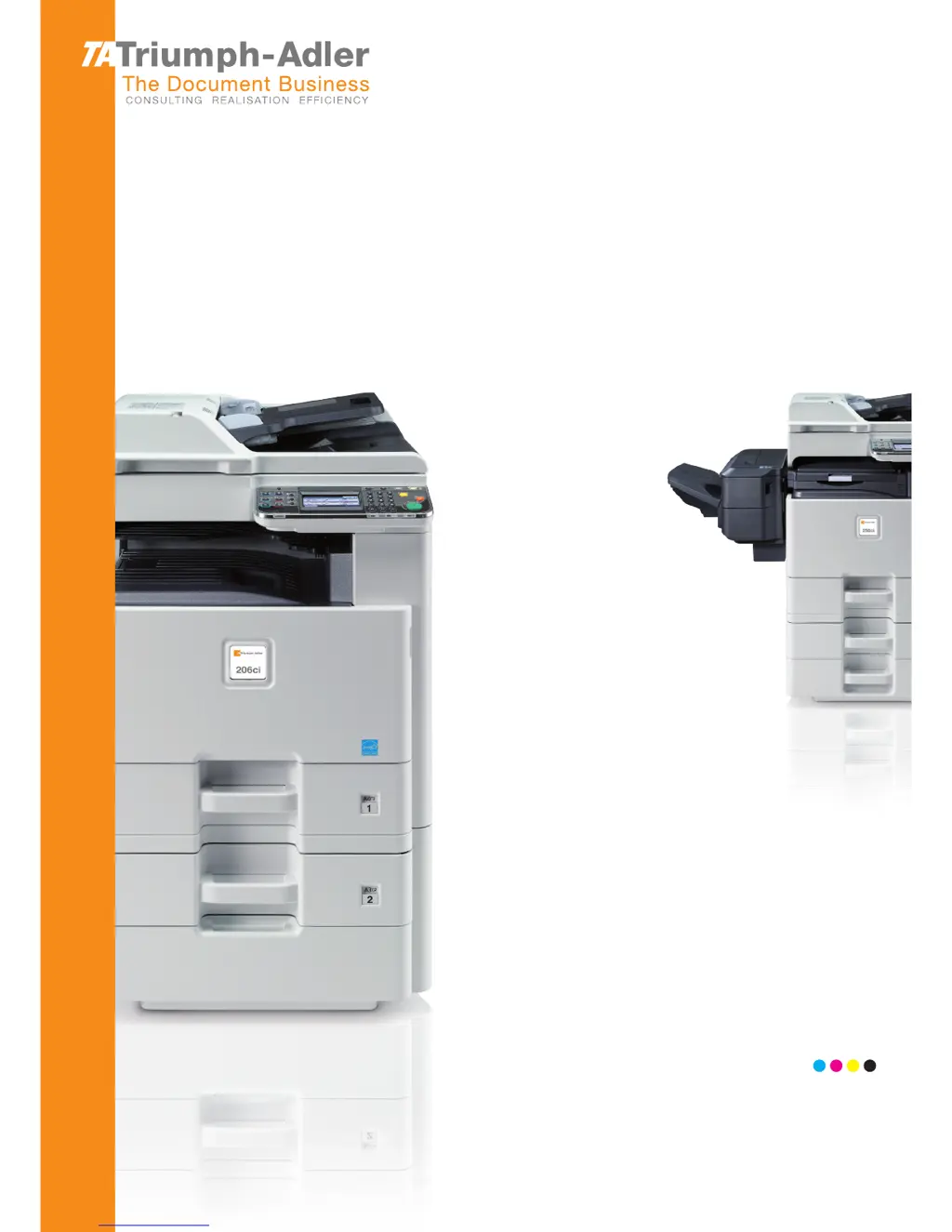
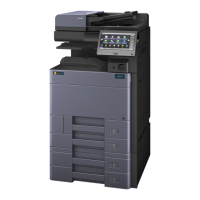
Triumph Adler 256ci - User Manual

Triumph Adler 256ci
382 pages
Print Icon
To Next Page IconTo Next Page
Loading...
User Manual
206ci/256ci
206ci/256ci
Digital Multifunctional Colour System
Copy / Print / Scan / Fax
A3

Table of Contents

Questions and Answers

  • J
    jackjonesAug 20, 2025
    Why Triumph Adler 256ci cannot send fax?
    • N
      Nicholas Taylor Jr.Aug 20, 2025
      There might be several reasons why your Triumph Adler All in One Printer is unable to send a fax. Ensure the modular cord is correctly connected. Verify that the Permitted FAX No. or Permitted ID No. are registered correctly. If a communication error occurred, check the error codes in the TX/RX Result Report and Activity Report, and perform the corresponding procedure if the error code starts with "U" or "E". The destination FAX line might be busy, or the destination FAX machine might not be responding, in which case you should try sending again. If none of these solutions work, contact your Service Representative.
  • K
    kent20Aug 22, 2025
    What to do if my Triumph Adler 256ci All in One Printer cannot send document?
    • D
      David RiveraAug 22, 2025
      If your Triumph Adler All in One Printer is unable to send a document, first ensure the modular cord is correctly connected. If a send error is displayed, remedy the cause of the error and try sending again. Also, check if TX (transmission) restriction is activated, and if so, cancel the TX restriction.
  • J
    Jerome GibsonAug 25, 2025
    What to do if Triumph Adler All in One Printer displays 'Add the following paper in cassette 1 (~3)'?
    • J
      Joshua SchwartzAug 25, 2025
      This message on your Triumph Adler All in One Printer indicates that the indicated cassette is out of paper. Add paper to the cassette. If a specific reception paper type is required, it will also be displayed. To use a different paper source, press [Paper Selection]. To continue printing with the selected paper, press [Continue]. Alternatively, the cassette might not be securely loaded; remove the cassette and reload it completely. If the type of printing paper specified is unavailable, select another paper source and press [Continue].
  • C
    Carolyn GilbertAug 26, 2025
    What to do if my Triumph Adler 256ci All in One Printer cannot receive document?
    • S
      samantha89Aug 27, 2025
      If your Triumph Adler All in One Printer is unable to receive a document, ensure the modular cord is correctly connected. If a communication error is displayed, remedy the cause of the error and ask the sender to retry. Additionally, check if RX (reception) restriction is activated and cancel it if necessary.
  • V
    vyorkAug 27, 2025
    Why Triumph Adler All in One Printer FAX connection could not be made?
    • K
      Kathryn PetersAug 27, 2025
      A FAX connection on your Triumph Adler All in One Printer might fail for several reasons. Ensure the fax machine is turned on. Check if an error has occurred on the machine; if so, clear the error and attempt the transmission again. Also, verify that the IP address of the machine is correctly set in the Network FAX driver properties.
  • D
    danielleharrisonAug 29, 2025
    What does 'Box limit exceeded' mean on Triumph Adler 256ci?
    • M
      Michael GarciaAug 30, 2025
      The 'Box limit exceeded' message on your Triumph Adler All in One Printer means: * The Sub Address Box capacity is full. Press [End] to cancel the job. Try again after printing or deleting data from the Sub Address Box. * The polling box is full. Press [End] to cancel the job. Delete documents from the polling box and repeat the operation.
  • M
    mmarshAug 31, 2025
    What to do if Triumph Adler All in One Printer shows 'Job Accounting restriction exceeded'?
    • J
      Jon GarciaAug 31, 2025
      If your Triumph Adler All in One Printer displays 'Job Accounting restriction exceeded,' it means the number of pages used has surpassed the preset limit. No further operation is possible. Press [End] to cancel the current job. Try again after resetting the limit for paper use.
  • C
    Charles MyersSep 2, 2025
    What does 'Machine failure' mean on Triumph Adler 256ci All in One Printer?
    • T
      taylor93Sep 2, 2025
      If your Triumph Adler All in One Printer displays 'Machine failure', turn the main power switch off and on, or unplug the power cord and plug it in again. If the message persists, note the error code, turn the main power switch off, unplug the power cord, and call your service representative.
  • K
    Karen ShermanSep 4, 2025
    Why Triumph Adler 256ci shows 'Only one destination is available for FAX Polling RX. Enter the destination again'?
    • T
      thessSep 4, 2025
      This message on your Triumph Adler All in One Printer indicates that you specified multiple contacts for polling reception. Only one contact can be specified at a time for polling reception. Specify the contact again.
  • M
    Mark WintersSep 6, 2025
    Why Triumph Adler All in One Printer cannot perform encrypted communication?
    • M
      Megan KellySep 6, 2025
      If your Triumph Adler All in One Printer cannot perform encrypted communication, double-check the registrations both at sender and recipient to ensure they are correct.

Triumph Adler 256ci Specifications

General IconGeneral
FunctionsPrint, Copy, Scan, Fax
Monthly Duty CycleUp to 50, 000 pages
Copy Resolution600 x 600 dpi
Fax Speed33.6 kbps
Duplex PrintingYes
Printing TechnologyLaser
Print Speed (Black)25 ppm
Print Speed (Color)25 ppm
Print Resolution1200 x 1200 dpi
Copy Speed (Black)25 ppm (A4)
Copy Speed (Color)25 ppm (A4)
Media TypesPlain paper, Recycled paper, Label paper, Envelope
Media SizesA4, A5, A6, B5, Letter, Legal, Envelope
InterfaceUSB 2.0, Ethernet
Network ConnectivityEthernet
Memory512 MB
Operating System CompatibilityWindows, macOS, Linux
Original SizeA4, A5, A6, B5, Legal, Letter, Envelope
Copy SizesA4, A5, B5, Letter, Legal
Zoom Range25% - 400%

Related product manuals