Troxler NTO 7–3
7. HANDLING DATA
PROJECT MENU
The Project Menu allows the operator to select (activate) an
existing project; to create and activate a new project; to view stored
project data, and to erase, print, or download a project. To access the
Project Menu, press 〈MENU〉 then 〈3〉. The oven displays:
Project Menu ¦
1. Select
2. Create
3. View
Project Menu ¦
4. Erase
5. Print
6. Download
Use the arrow keys to scroll through the menu options. Use the
numeric keys to select a menu option.
SELECT
The Select function allows the operator to activate an existing
project. To select an existing project, press 〈1〉 at the Project
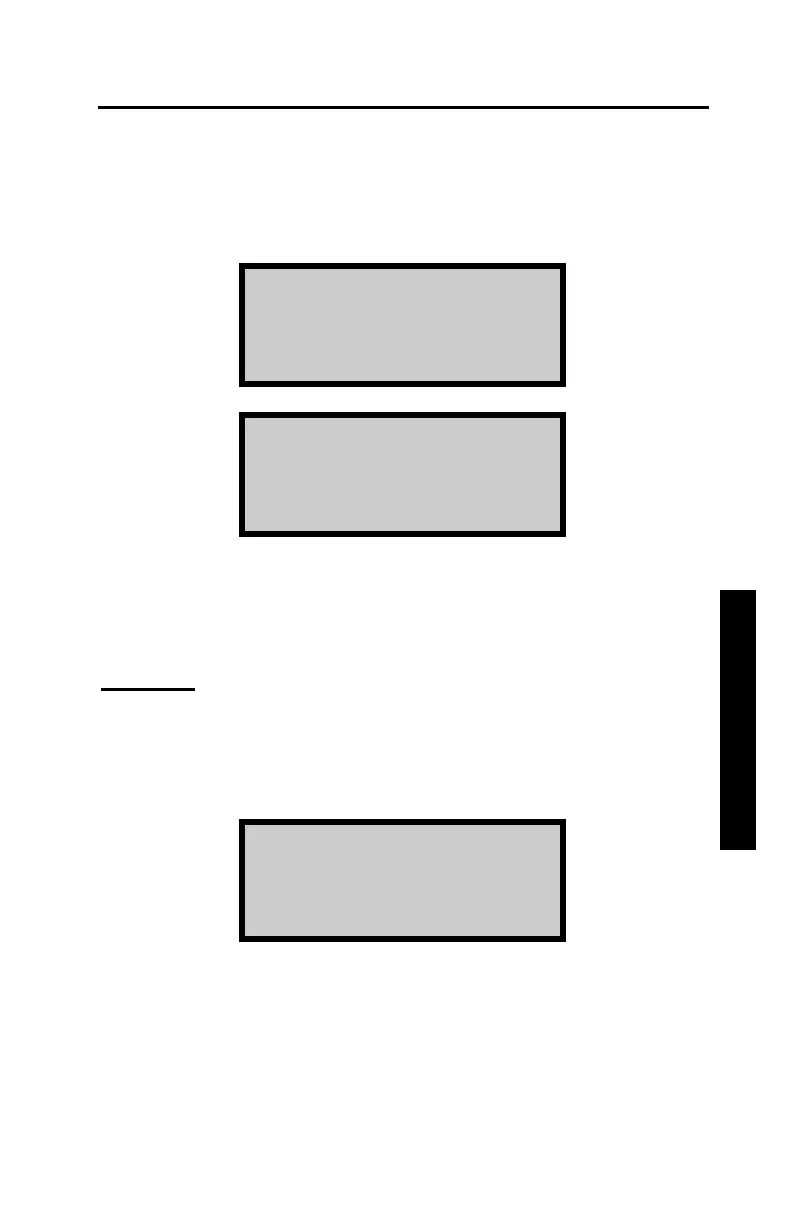
Menu shown above. The oven displays:
Select
1. Scroll Projects
2. Enter Project ID
f To scroll through the stored projects, press 〈1〉. The oven
displays the first project ID. Use the arrow keys to scroll
through the list of projects, then press 〈ENTER〉 when the
desired project ID is displayed. The oven sets the selected
project as active, briefly displays a confirmation message, and
returns to the Project Menu.



 To Next Page
 Loading...