Troxler NTO 5–7
5. MAIN MENU
Cutoff Limit
In the Auto-Control burn mode, the oven adjusts the burn time
according to the cutoff limit. The cutoff limit can be defined in
grams or as a percentage of the initial sample mass. When the
change in the sample mass is less than the cutoff limit for three
consecutive minutes, the oven completes the burn cycle.
To enter a cutoff limit, press 〈3〉 at the Burn Parameter Menu
shown on page 5–4. The oven displays:
Cutoff Units
1. Grams
2. Percentage
CUTOFF LIMIT IN GRAMS. To enter the cutoff limit in grams,
press 〈1〉. The oven displa
ys:
Current Cutoff Limit
X.X g
do you want to
change Cutoff Limit?
f To exit without changing the cutoff limit, press 〈NO〉. The oven
returns to the Burn Parameter Menu.
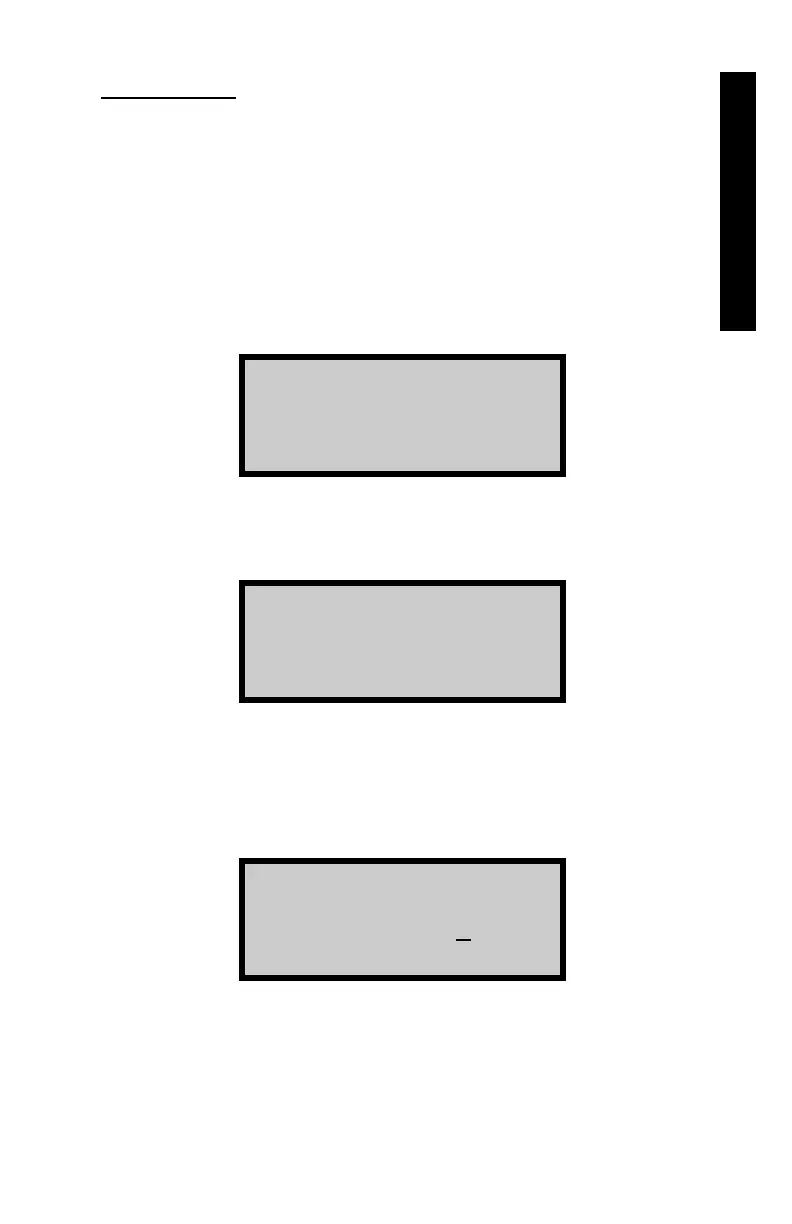
f To change the cutoff limit, press 〈YES〉. The oven displays:
Enter Cutoff Limit
from 0.1 - 1.0g in
0.1g steps
then press ENTER
Use the numeric and decimal keys to enter a cutoff limit from
0.1 to 1.0 gram in increments of 0.1 gram. After entering the
cutoff limit, press 〈ENTER〉. The oven displays a brief
confirmation message and returns to the Burn Parameter
Menu.



 To Next Page
 Loading...