True Value Company POS / SERVER SET UP
RockSolid Equipment Installation Instructions_beta - 11 -
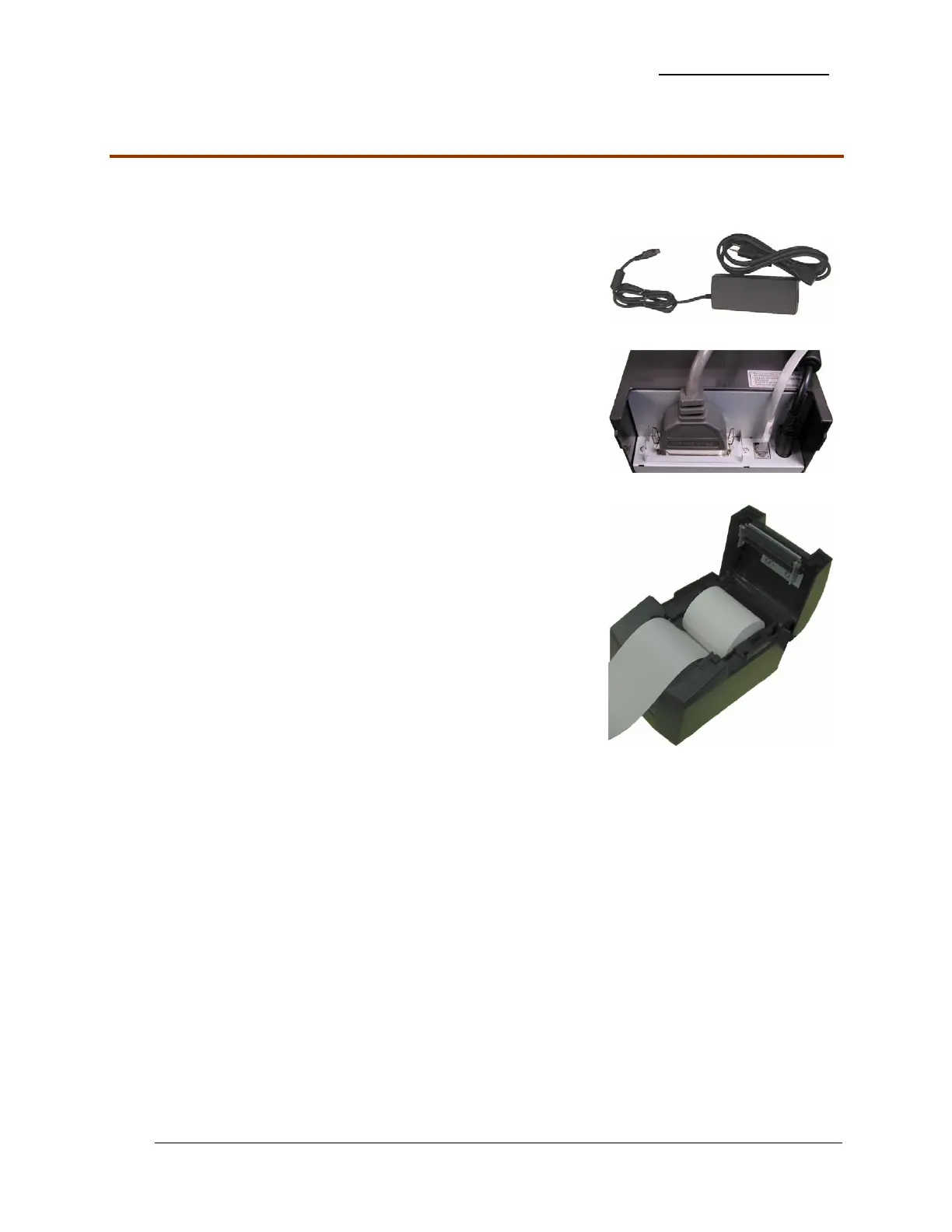
Receipt Printer
The Receipt Printer and its Power Supply are packaged in separate boxes.
1. Unpack both the Receipt Printer and its Power Supply.
2. Connect the Power supply to the port on the back of the
printer.
3. Connect the Power cord to the power supply.
4. Connect the Parallel printer cable to the back of the receipt
printer.
5. Connect the Cable from the back of the cash drawer to the
back of the receipt printer.
6. Install a roll of paper as illustrated.
7. Plug power cable into the surge protected side of the UPS.
8. Do not turn on the printer.


 To Next Page
 Loading...