True Value Company POS / SERVER SET UP
RockSolid Equipment Installation Instructions_beta - 9 -
POS / SERVER SET UP
Cash Drawer
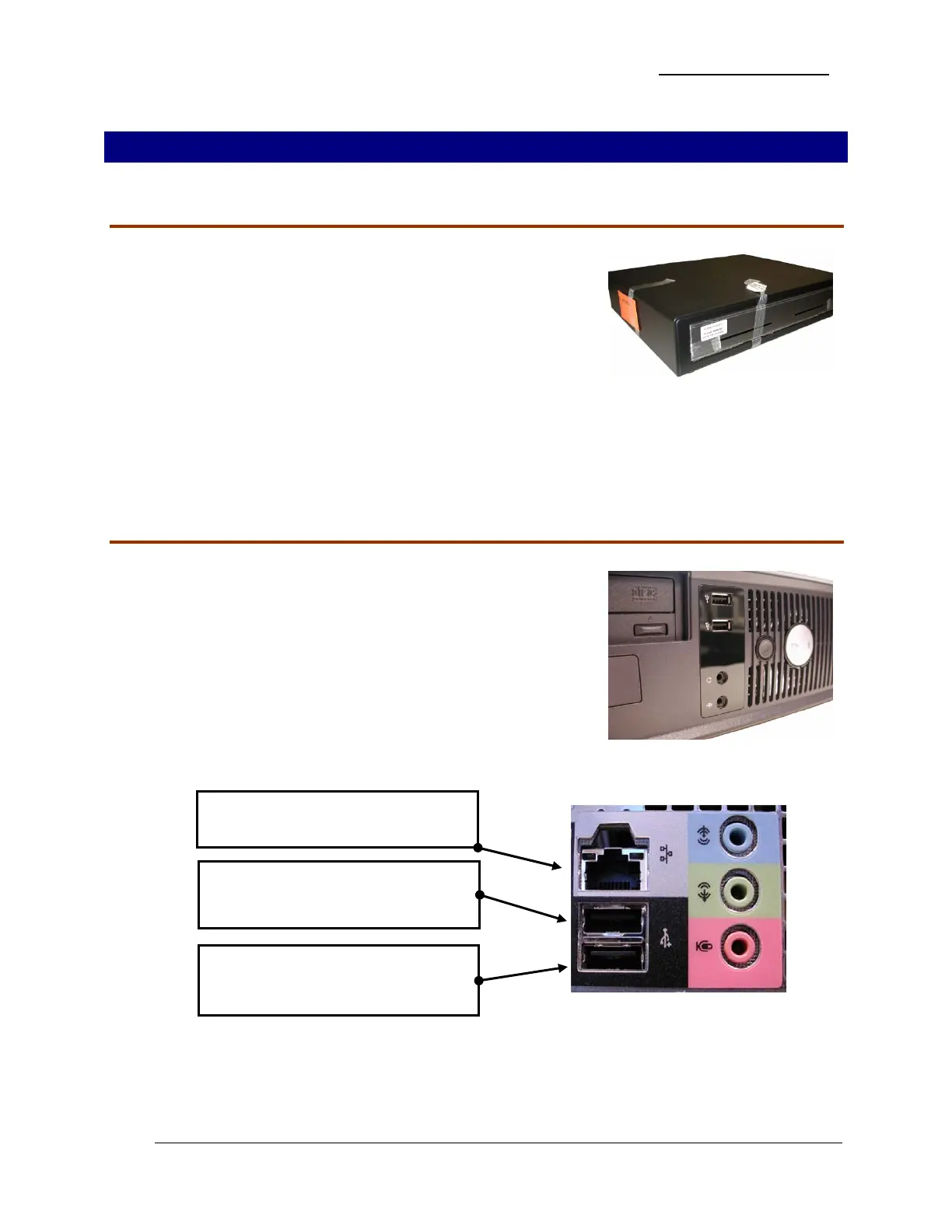
1. Unpack the cash drawer.
2. Be careful when removing the packing material because
there is a special cable enclosed in the box. It looks like a
heavy duty phone cord. Make sure you remove it also.
3. Place the cash drawer in the appropriate spot and connect
the end of the cable marked MMF P/N into the port in the
back of the cash drawer.
Primary POS/PC Server
1. Unpack the computer, keyboard, mouse, and power cable.
2. Set the POS/Server PC in place.
3. Plug the Power Cable from the back of the PC into the
battery backup side of the Back-UPS.
4. Do not turn on the PC at this point.
5. On the rear of the POS/Server PC, connect the Network,
Keyboard, and Mouse cables:
Plug in the Network Cable to network
connection port.
Plug in the Mouse to the USB port on
the back of the PC below the network
connection port.
Plug in the Keyboard to the USB port
on the back of the PC below the
Mouse USB port.


 To Next Page