True Value Company POS / SERVER SET UP
RockSolid Equipment Installation Instructions_beta - 13 -
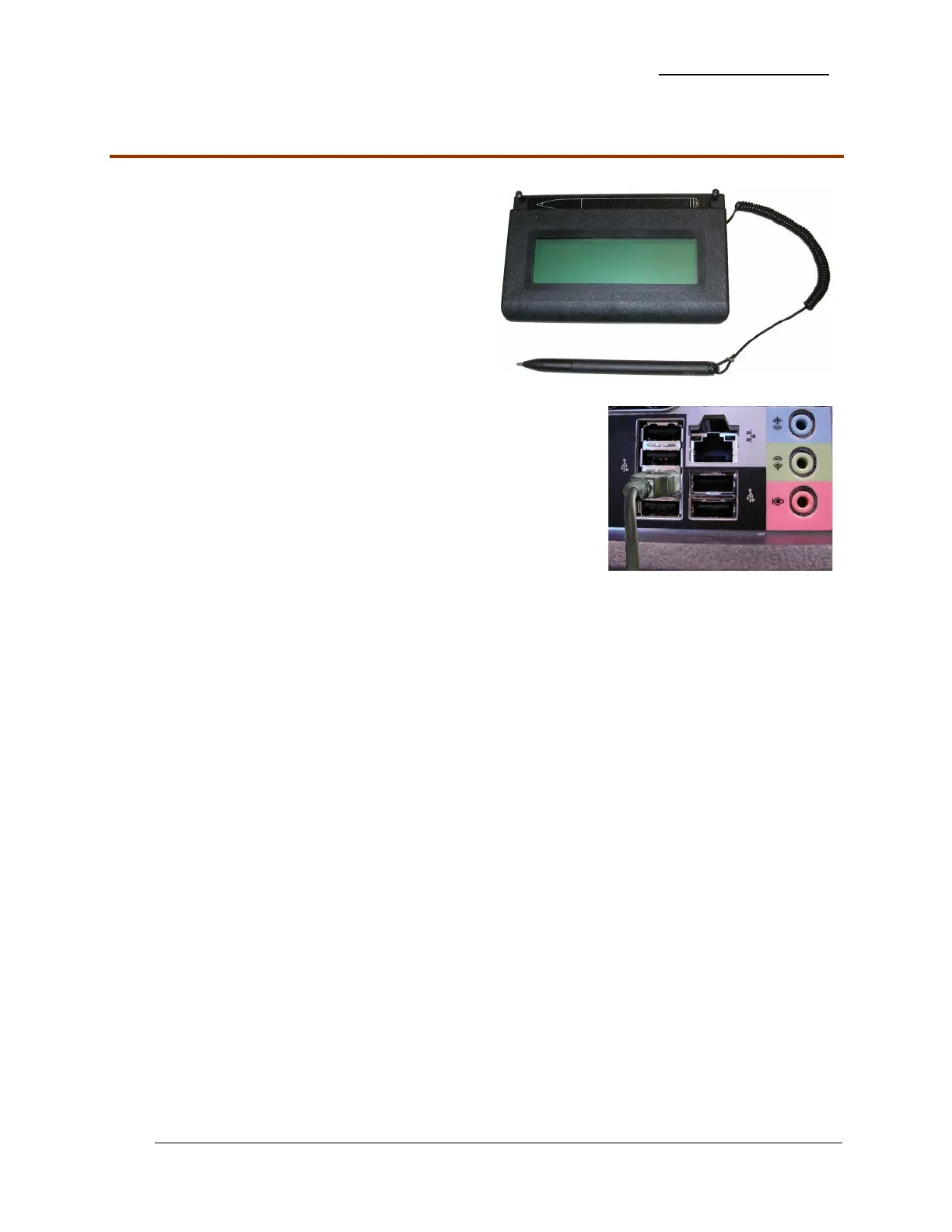
Signature Capture Pad
1. Remove Signature Capture Pad from the
packing. It is already assembled.
2. Be sure to place spare batteries for the
stylus in a safe place.
3. Locate the stack of 4 USB connections on
the rear of the PC.
4. Connect the Signature Capture Pad to the
USB port located third from the top of the
stack as shown.


 To Next Page