True Value Company POS / SERVER SET UP
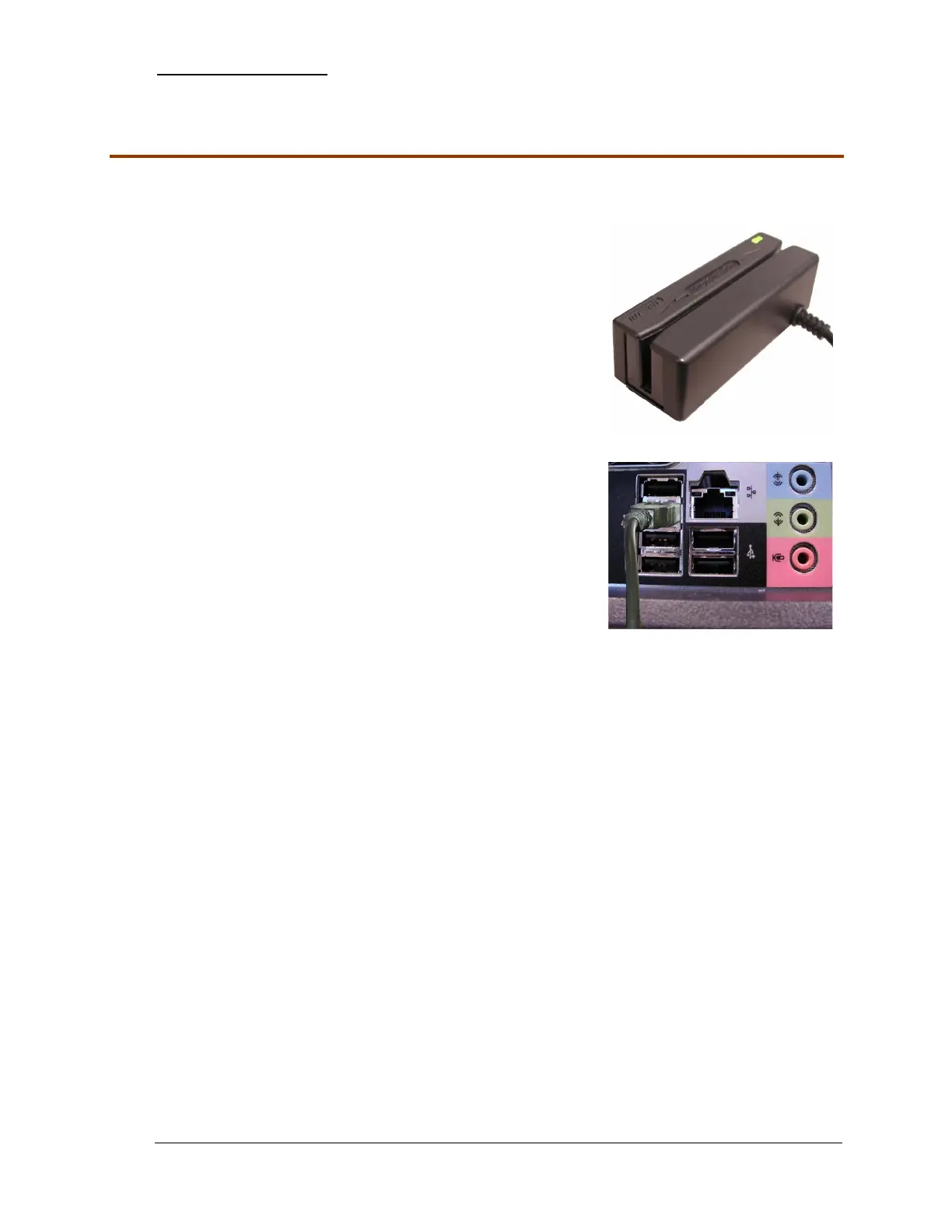
Credit Card Swipe
The Credit Card Swipe is an optional piece of equipment. It will be provided if you are processing
credit cards through RockSolid.
1. Unpack the Credit Card Swipe.
2. Mount the Credit Card Swipe to the desired location that
you wish to use for this purpose. Some suggestions
include: On the side of the monitor, on top of the cash
drawer, etc.
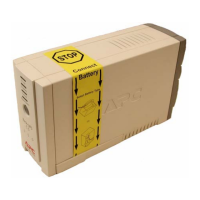
3. Locate the stack of 4 USB connections on the rear of the
PC.
4. Connect the Credit Card Swipe to the USB port located
second from the top of the stack as shown.
- 14 - RockSolid Equipment Installation Instructions_beta


 To Next Page