True Value Company BATTERY BACKUP
RockSolid Equipment Installation Instructions_beta - 5 -
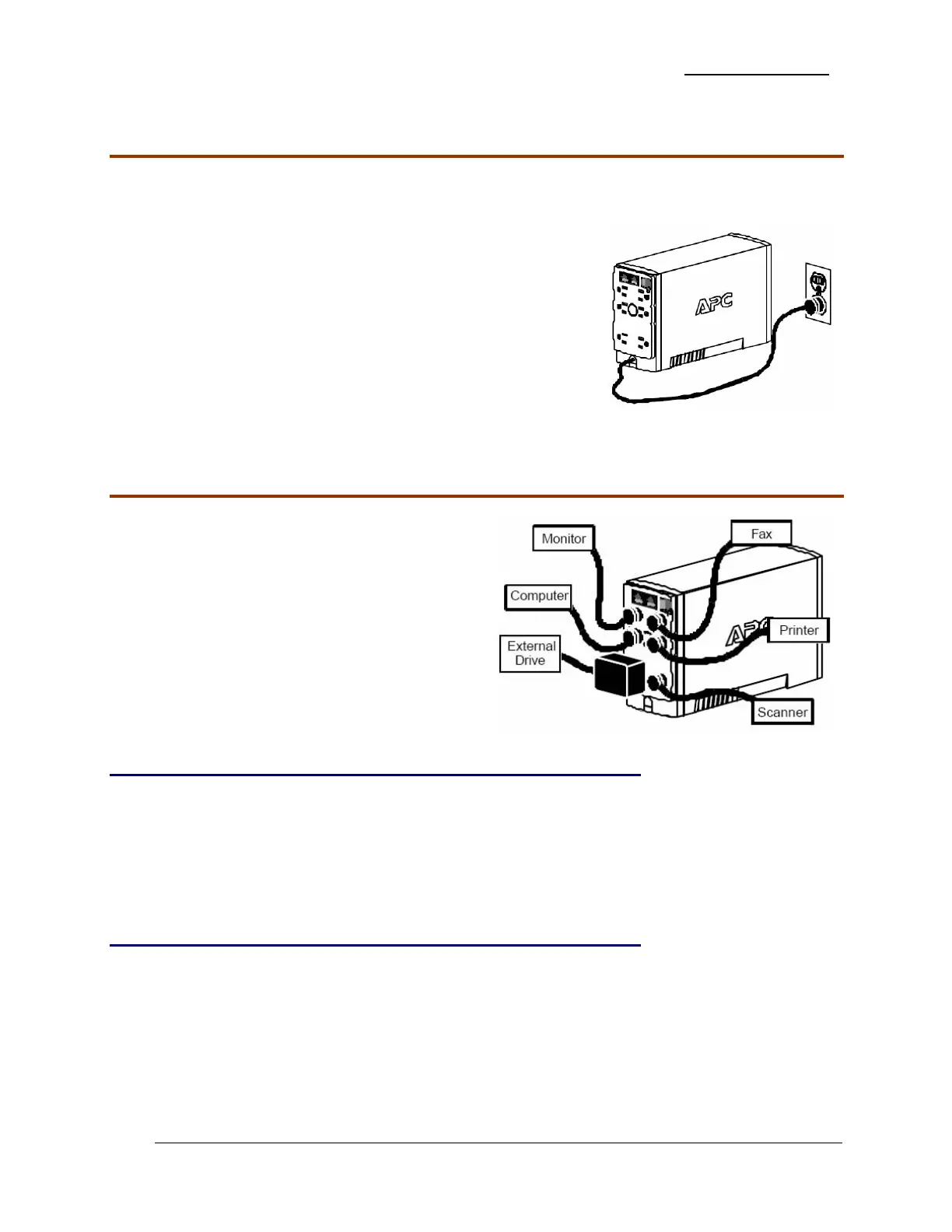
Charge the Battery
During normal operation, the Back-UPS charges the internal battery any time it is connected to a
wall outlet.
1. Once connected, allow the Back-UPS to charge for a full
eight hours.
2. While the Back-UPS receives its initial charge, you may
continue with the Network Setup part of the installation.
Connecting Equipment to the Back-UPS
The rear panel of the Back-UPS consists of:
¾ Battery Back-Up Outlets
¾ Surge Only Outlets
Battery Back-Up Outlets
Battery Back-Up outlets are typically used for a computer, monitor, and external disk or CD-ROM
drive. Battery Back-Up outlets provide battery back-up, surge protection, and Electro-magnetic
Interference (EMI) filtering. During a power outage, battery power is automatically provided to
these outlets. Power is not supplied to these outlets when the Back-UPS is switched OFF.
Surge Only Outlets
Surge Only outlets are typically used for a printer, fax machine, or scanner. Surge Only outlets are
always ON when utility power is available and are not controlled by the On/Off switch. These
outlets DO NOT provide power during a power outage.


 To Next Page