BATTERY BACKUP True Value Company
BATTERY BACKUP
In compliance with Department of Transportation (DOT)
regulations, the Back-UPS is shipped with the internal red
battery wire disconnected.
The Back-UPS will not operate until the internal red wire is
connected to the battery.
Connect the Battery
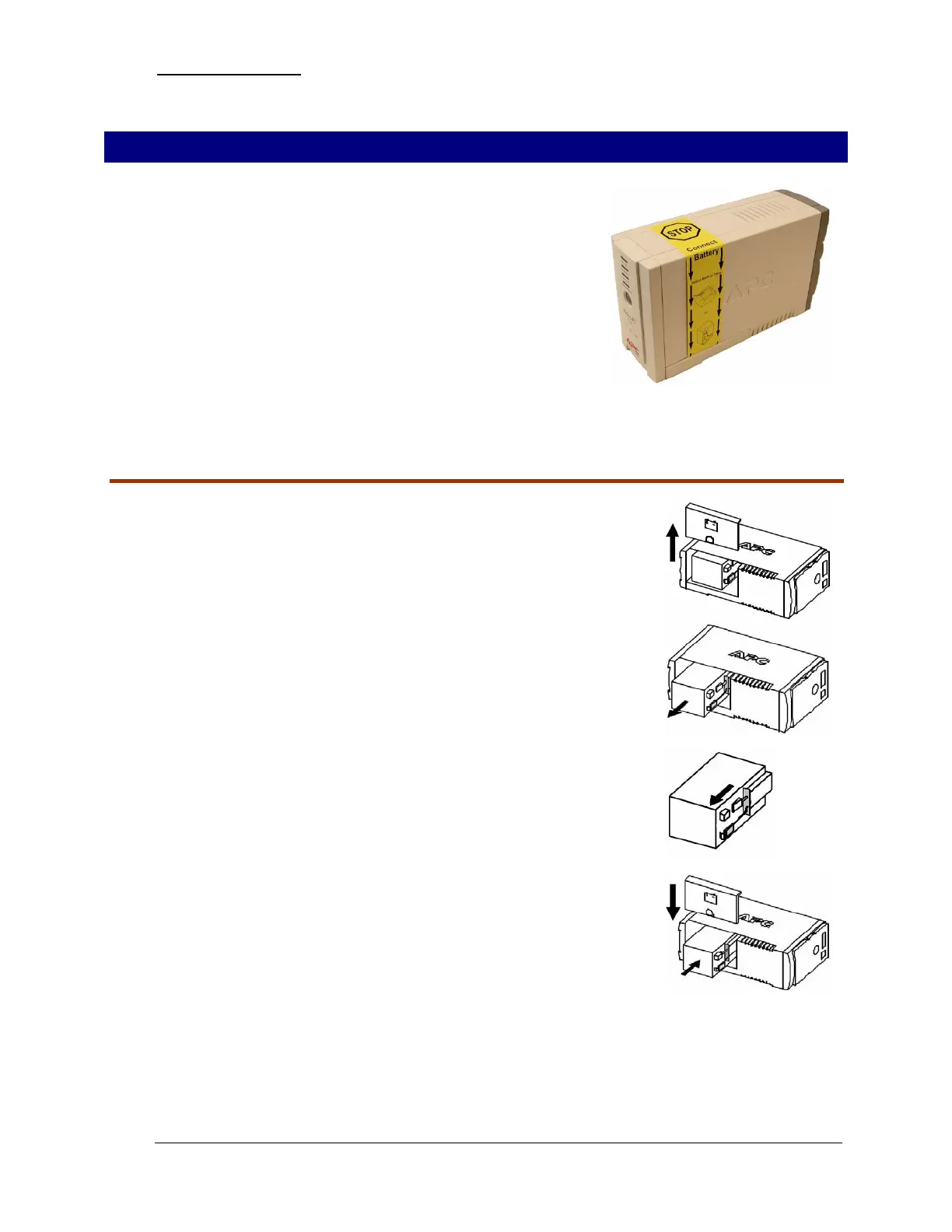
1. Note the yellow warning sticker on the side of the battery backup.
2. Open the battery compartment, as shown.
3. Pull the battery about half way out, as shown.
4. Connect the red battery wire to the positive battery terminal.
5. Small sparks may occur during battery connection. This is normal.
6. Push the battery into the battery compartment and re-install the
cover, as shown.
- 4 - RockSolid Equipment Installation Instructions_beta


 To Next Page