True Value Company
- 2 - RockSolid Equipment Installation Instructions_beta
PREPARATION
These instructions will walk you through setting up your primary POS PC/Server, and a second PC
which will be used as an office workstation.
NOTE: Do not unpack anything before reading the installation procedure. The
installation procedure needs to be performed in a specific order.
After you have read the installation procedure, you should unpack and remove everything from the
box.
However, you will need to assemble the RockSolid components in the following order:
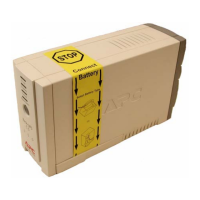
1. Battery Backup (UPS)
2. Cash Drawer
3. POS Server PC
4. Monitors
5. Barcode Scanner
6. Signature Capture Pad
7. Receipt Printer
8. Credit card swipe (Optional)
9. Display Pole (Optional)
10. Workstation PC
11. Dymo Label Printer
12. REV Backup Drive


 To Next Page