Z8.1e Elliptical Owner’s Guide
What the Keys Do
THE DISPLAY
26
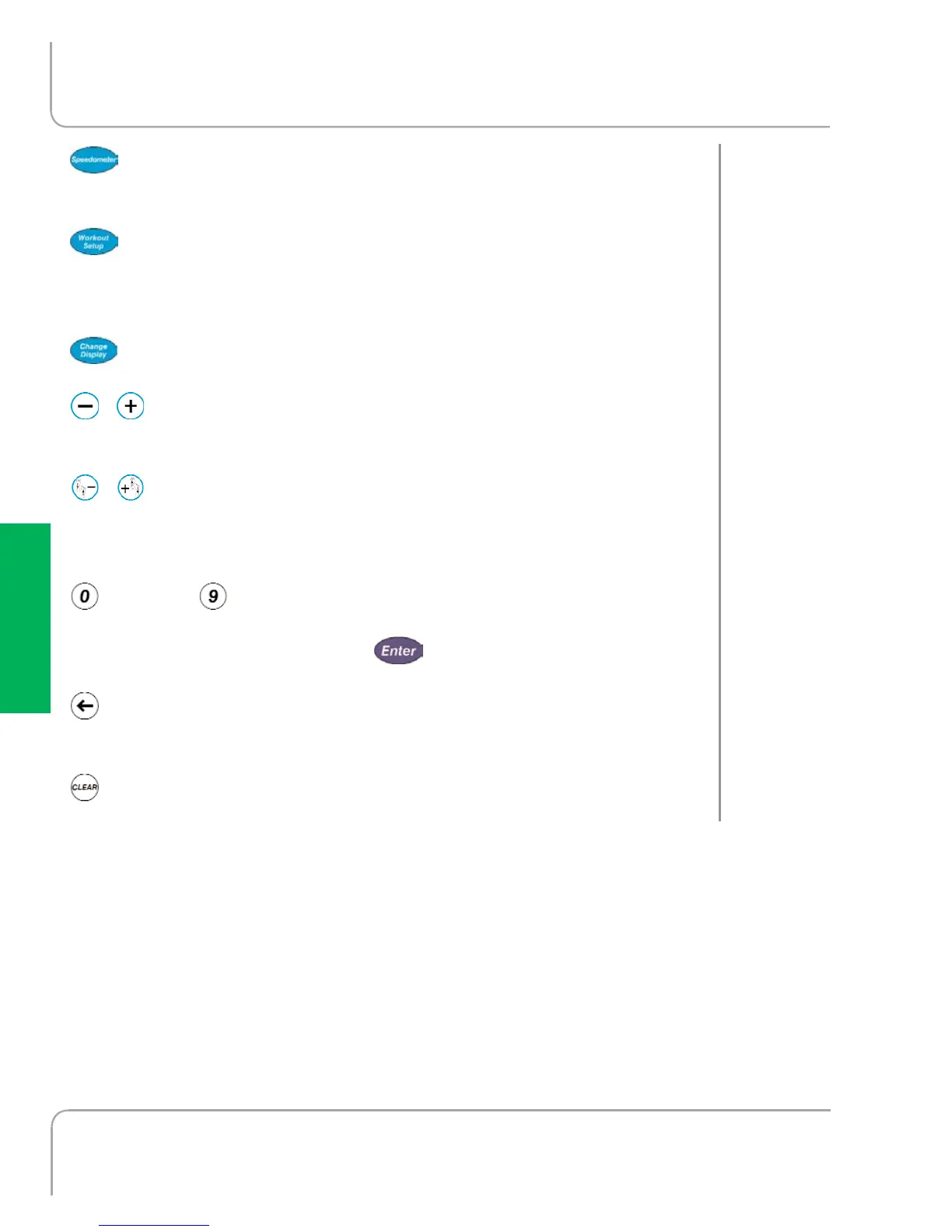
Speedometer: Changes data assigned to thermometer
speedometer. Any non-accumulating data can be assigned.
Workout Setup: Switches into Workout Setup mode.
Workload is reduced and all data accumulation is paused
while in Workout Setup.
Change Display: Changes data display format.
, Workload: Adjusts workload higher and lower. Keys
repeat if held down.
, Stride length: Adjusts stride length, displaying target
and actual stride length on the screen. Keys repeat if held
down.
through Numeric Keys: Used for data entry in Workout
Setup. During a workout, used to change workload by entering
a numeric value and pressing .
Backspace: Deletes your last data keystroke, just like your
computer keyboard's backspace key.
Clear: Zeros-out current data entry. Press and hold to
completely clear and reset display.
T
HE DISPLAY
THE KEYS



 To Next Page