10
Modes
a) Video Mode
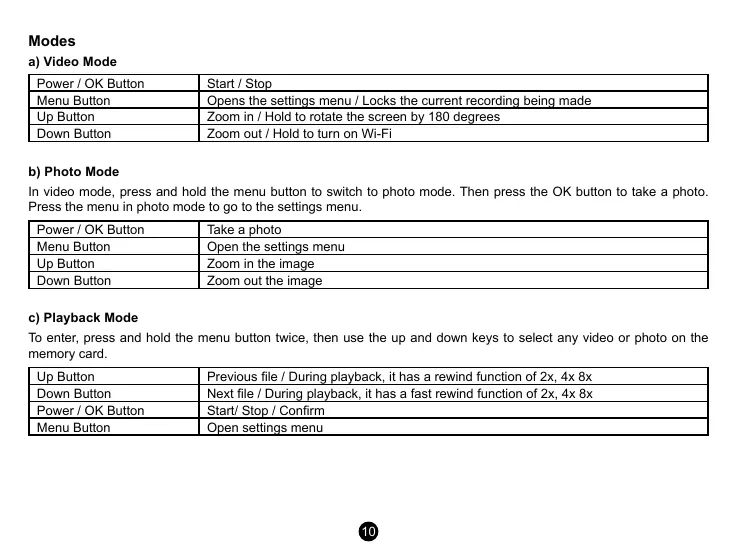
Power / OK Button Start / Stop
Menu Button Opens the settings menu / Locks the current recording being made
Up Button Zoom in / Hold to rotate the screen by 180 degrees
Down Button Zoom out / Hold to turn on Wi-Fi
b) Photo Mode
In video mode, press and hold the menu button to switch to photo mode. Then press the OK button to take a photo.
Press the menu in photo mode to go to the settings menu.
Power / OK Button Take a photo
Menu Button Open the settings menu
Up Button Zoom in the image
Down Button Zoom out the image
c) Playback Mode
To enter, press and hold the menu button twice, then use the up and down keys to select any video or photo on the
memory card.
Up Button Previous le / During playback, it has a rewind function of 2x, 4x 8x
Down Button Next le / During playback, it has a fast rewind function of 2x, 4x 8x
Power / OK Button Start/ Stop / Conrm
Menu Button Open settings menu


 To Next Page
 Loading...


