4
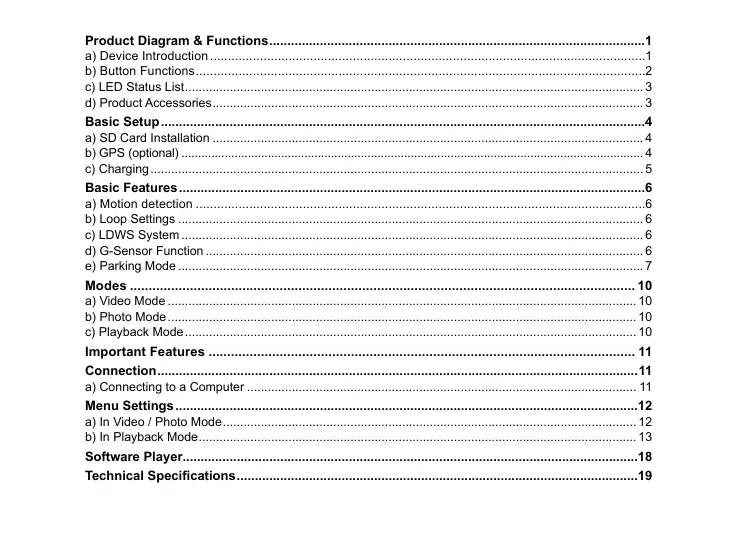
Product Diagram & Functions ........................................................................................................1
a) Device Introduction ..........................................................................................................................1
b) Button Functions ..............................................................................................................................2
c) LED Status List ..................................................................................................................................... 3
d) Product Accessories ............................................................................................................................. 3
Basic Setup ......................................................................................................................................4
a) SD Card Installation ............................................................................................................................. 4
b) GPS (optional) ........................................................................................................................................... 4
c) Charging ............................................................................................................................................... 5
Basic Features .................................................................................................................................6
a) Motion detection ..............................................................................................................................6
b) Loop Settings ....................................................................................................................................... 6
c) LDWS System ...................................................................................................................................... 6
d) G-Sensor Function ............................................................................................................................... 6
e) Parking Mode ....................................................................................................................................... 7
Modes ....................................................................................................................................... 10
a) Video Mode ........................................................................................................................................ 10
b) Photo Mode ........................................................................................................................................ 10
c) Playback Mode ................................................................................................................................... 10
Important Features .................................................................................................................. 11
Connection ..................................................................................................................................... 11
a) Connecting to a Computer ................................................................................................................. 11
Menu Settings ................................................................................................................................12
a) In Video / Photo Mode ........................................................................................................................ 12
b) In Playback Mode ............................................................................................................................... 13
Software Player..............................................................................................................................18
Technical Specications ...............................................................................................................19


 To Next Page
 Loading...


