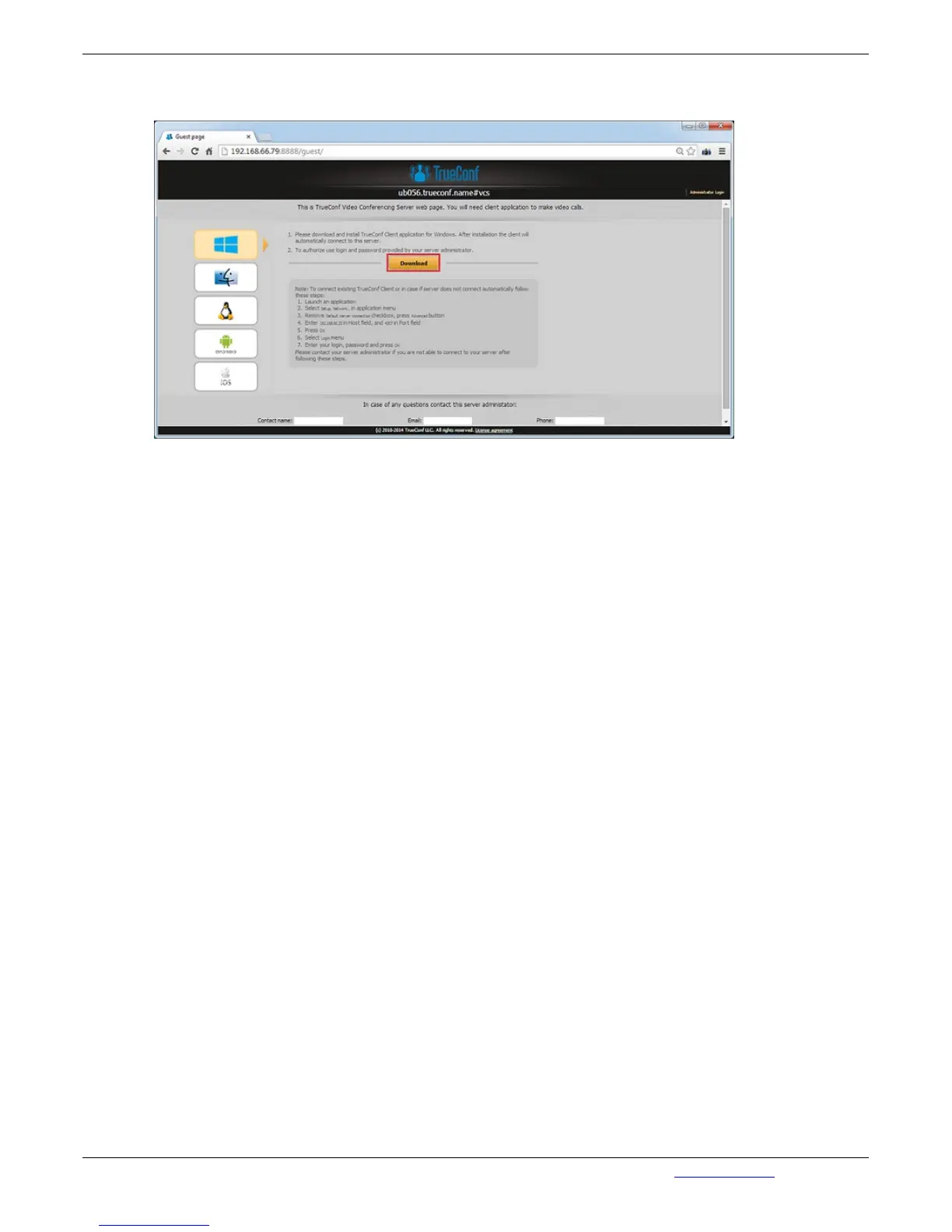
On the guest page the user can download client applications for Windows, OS X, Linux, Android, and
iOS:
2.4. Client Application Connection
You can connect the client application to your server either manually or automatically.
2.5. Connection using auto discovering
The client software of TrueConf includes a function of automatic search for the local server TrueConf
Server (auto-discover). It is possible to install the client application without any information about your
local TrueConf Server. In this case all information about the server will be detected automatically by
using DNS. To do this you need to specify the address of the server in users primary DNS (primary
DNS suffix).
You need to create SRV record in the domain for vcs2.tcp service and specify the TrueConf Server
address and port.
The following example shows how to do this using DNS utility in Microsoft Windows 2012 Server:
Navigate to root of the desired domain
Choose «Other New Records…» in a right-click menu.
Choose type «Service Location».
Set the following parameters



 To Next Page