1.4. Offline registration
Note: Offline registration is not available for TrueConf Server Free. In case you need to work with the
server in LAN, without connection to the Internet we may provide trial versions of TrueConf Server
with full functionality during the trial period.
To register offline on a computer without an Internet connection, you will need a device connected to
the Internet to obtain a registration key. On that device, go to https://trueconf.com/server/trial/ and follow
the instruction from the "1.3.Registration" section.
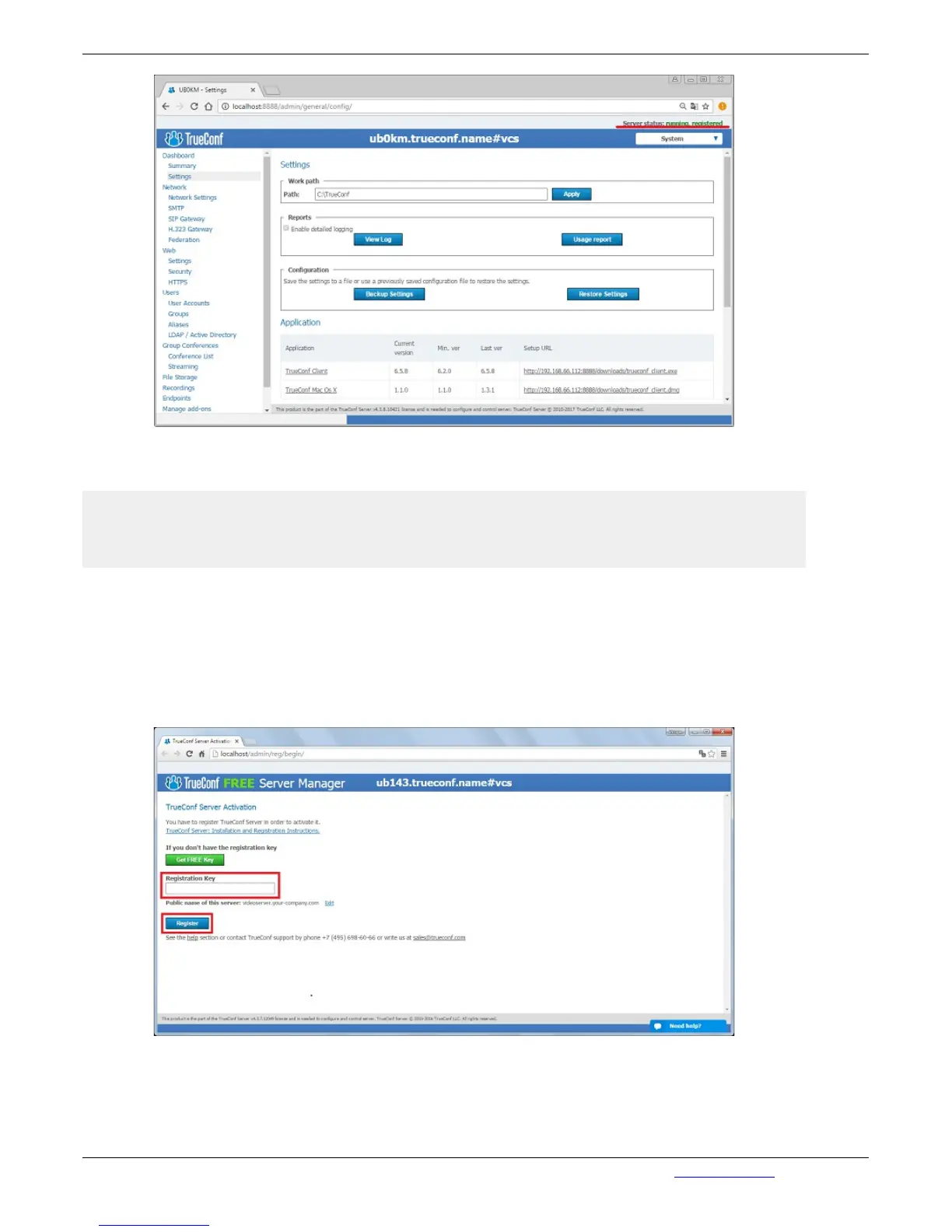
Once you receive an e-mail with the test key, enter it in the field "Registration Key" in the Web
manager on the computer with the running server and without an Internet connection, and click on
"Register":
In the registration window a new button will appear, "Create registration file". Clicking on it will
generate a file that you will need to send:



 To Next Page