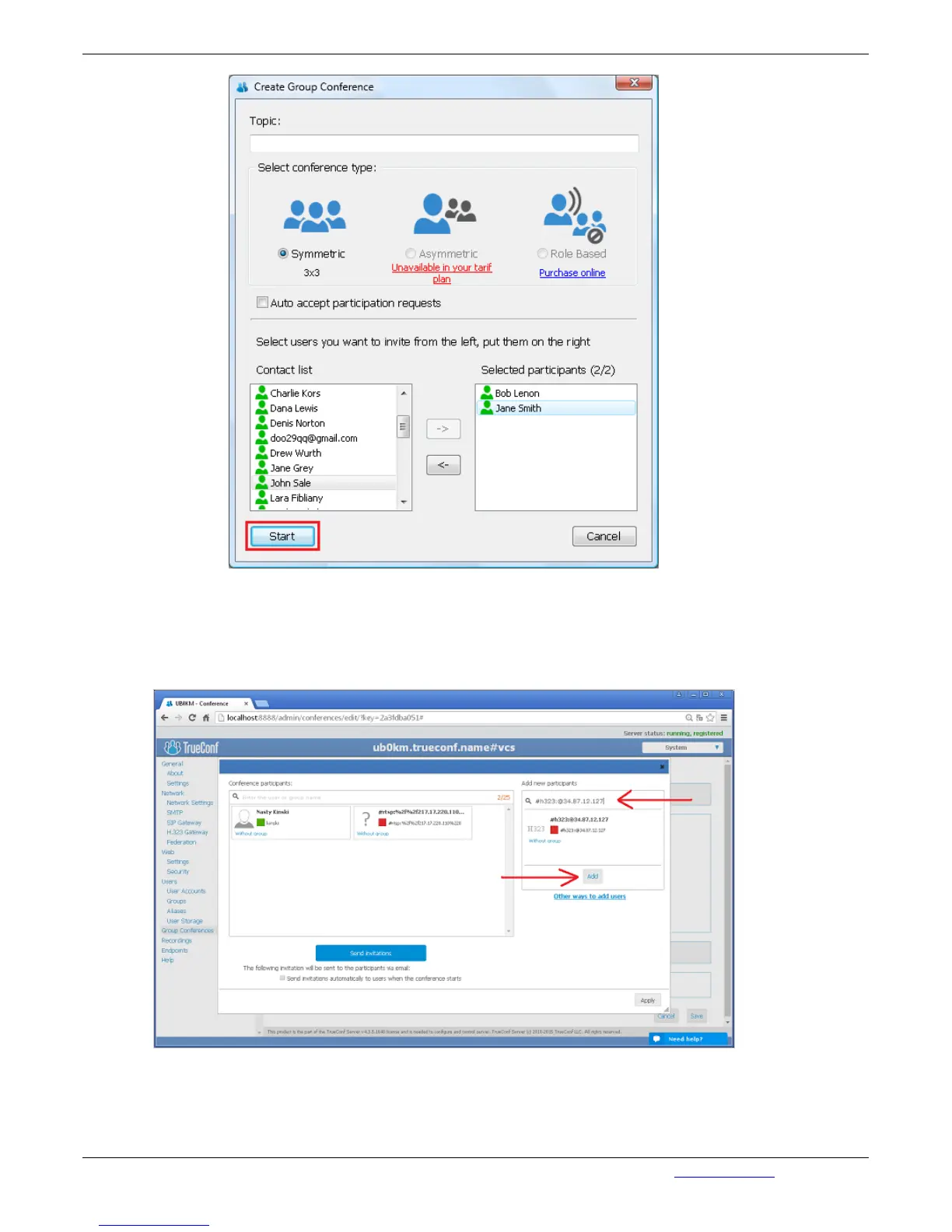
Method № 2. Creating a conference on the TrueConf server side
Go the Group Conferences tab in the Web Manager tool of the server and click Create. In the Create
New Group Conference window that opens, fill in all the fields. Add an H.323 endpoint user in the Add
new participants section. For this purpose, fill in the field Add:
3.2.4.3. Connection using CID (Conference ID)
If several group conferences are organized on TrueConf Server, you can choose the conference
directly from the H.323 terminal. For that:


 To Next Page