Address book editing. By putting a checkmark in this box, the administrator will allow users to edit this
groups: change display names of users, delete/add new members, and perform any other changes in
the member's Address Book. If the box is not checked, users from this group will not be able to
perform the aforementioned changes. In this case, all changes are carried out by the administrator in
the Web Manager tool and affect all Address Books of users from this group.;
Making Calls;
Using collaboration tools;
Creating group conferences;
Operator Rights. Operator right enables a group participant to become a moderator of any conference
he or she joins.
Menu "Group Name"
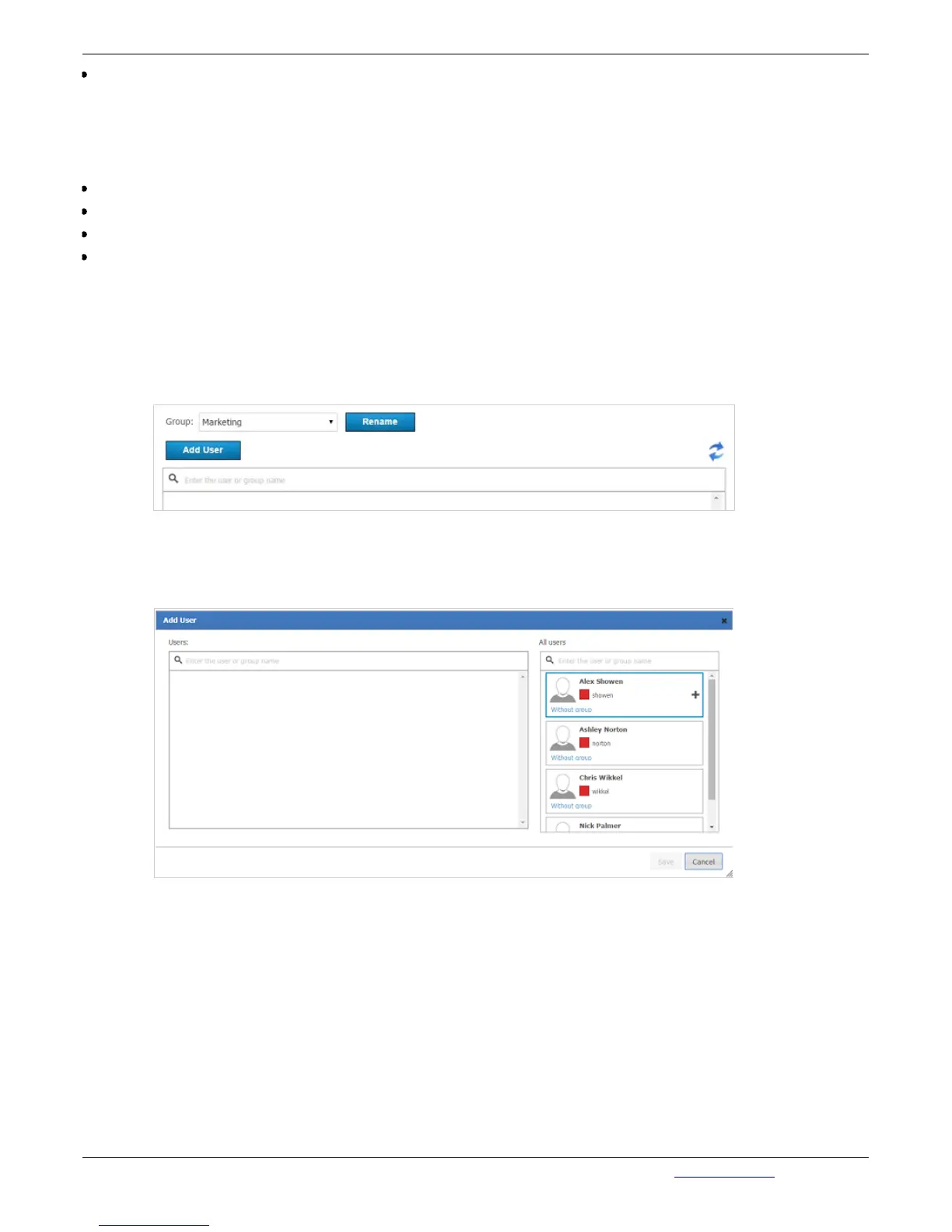
Click on the group name to open the page "User accounts". On this page you can rename a group and
add users to any group. To add a user to the group, press "Add user":
In the opened window, in the field "All users" hover over the user you want to add to the selected
group. Press "+" to relocate the user to the left list. In such a manner you can add all necessary users
to the group. After that, press "Save" to save the changes:
All selected users will be displayed on the group page:



 To Next Page