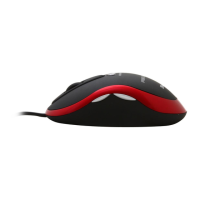
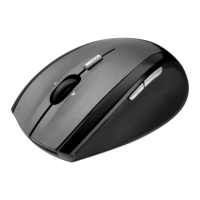
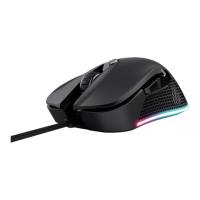
MI-2450E Optical Combi Mouse
(TRUST 450L MOUSE OPTICAL)
3
UK
5 Post-installation check
Following complete installation of the product and programs, you should check that
the following have been added to your system:
5.1 With PS/2 connection
Taskbar
- Trust icon below right
Start – Settings – Control Panel – System – Device Manager
- Mice and other pointing devices – 450L MOUSE OPTICAL
Start – Settings – Control Panel – Software
- 450L MOUSE OPTICAL
5.2 With USB port connection.
Taskbar
- Trust icon below right
Start – Settings – Control Panel – System – Device Manager
- Human Interface devices – USB Human Interface device
- Mice and other pointing devices – HID compatible mouse
Start – Settings – Control Panel – Software
- 450L MOUSE OPTICAL
Note: If the installation has been modified (for example, not everything was
installed, or other than standard locations selected) then the data below
may appear different.
Note: Differences may also arise due to the use of updated drivers from the
Internet.
Note: The locations, or names of functions in the control panel may be different,
depending on your operating system.
6 Operation
This section describes how the mouse and the software should be used.
6.1 Mouse
In this section, the use of the mouse buttons is described.
Use table 1 in combination with figure 2 for an explanation of the mouse buttons.
Name Function:
A
Mouse button 4 Programmable button 4. Standard
function: “Back” in Internet Explorer /
programmable
B
Mouse button 5 Programmable button 5. Standard
function: “Forward” in Internet Explorer /
programmable
C
Left mouse button Left mouse button function
D
Scroll button Scroll function in Windows compatible
programs.
E
Right mouse button Programmable right mouse button
Standard function: “Right mouse button”.
Table 1: explanation of buttons



 To Next Page