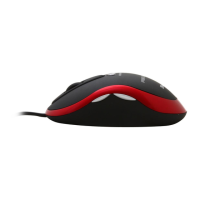
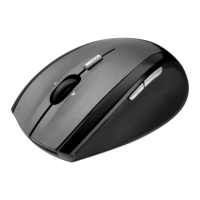
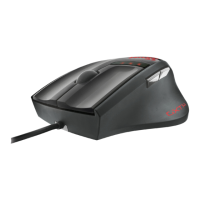
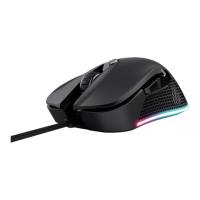
MI-2450E Optical Combi Mouse
(TRUST 450L MOUSE OPTICAL)
5
UK
7 Removal of driver
This section describes how to remove the mouse software correctly. Proceed as
follows:
1. Select: Start – Settings – Control Panel – Software.
2. A window will open similar to that in figure 5. In this window, select “450L
MOUSE OPTICAL”.
3. Click on the button “Remove” to remove the software.
4. Follow the instructions on the screen.
8 Troubleshooting
Procedure
1. Read solutions given below.
2. Check current FAQ, drivers and manuals on
internet (
www.trust.com/13681
)
Problem Cause Possible solution
The mouse pointer
does not move
smoothly
The mouse is being used
on a shiny surface.
Use the mouse on a
different surface.
Previous mouse software
is still running.
First delete the software for
the previous mouse, before
installing this software.
Consult the manual for your
previous mouse.
Software is not installed. Install the mouse software.
Scroll function
does not work.
Application is not 100%
compatible with windows.
Use a compatible
application.
If, after having attempted all these solutions, you still have problems, please make
contact with one of the Trust Customer Care Centers. On the rear cover of this
manual you will find more information. You should in any case have the following
information ready:
• The article number, in this case: 13681;
• A good description of exactly what is not working;
• A good description of exactly when the problem occurs.



 To Next Page