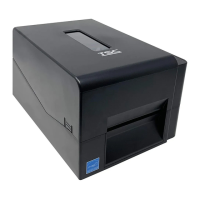
3.6 Replacing the Platen Roller Assembly
1. Open the printer top cover then push the print head release button to open the print head mechanism.
2. Remove the lower front panel.
3. Disengage the platen roller by pulling out the tabs located on each side. Rotate the tabs into the upward position. (see pictures
below)
4.
5. Pulling upward to remove/replace the platen roller assembly.
6. Reassemble the parts in the reverse procedure.


 To Next Page
 Loading...