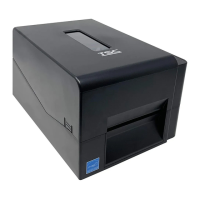
3.9 Installing the Peeler Module (TE210/TE310 Series Option)
1. Open the printer top cover by pressing the top cover open tabs located on each side of the printer.
2. Push the print head release button to open the print head mechanism and remove the lower front panel.
3. Insert the cable and ground line of peeler module through the hole as indicated to the main board.
4. Remove the four screws on media holder and disengage it.


 To Next Page
 Loading...