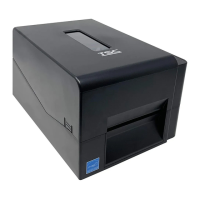
3.10 Replacing the Key Module (LCE MODULE / Option)
1. Please refer to the section 3.1 to take out the print engine mechanism.
2. Remove the three screws on right side upper cover and open it.
3. After the right side upper cover opened, please disengage the LED module.
4. Remove the two screws and cable on the LED key module.
5. Remove/replace the LED key module
6. Reassemble the parts in the reverse procedures.


 To Next Page
 Loading...