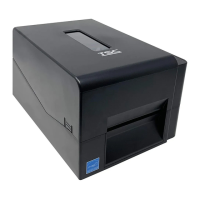
3.14 Replacing Wi-Fi module Assembly (TE210/TE310 Series option)
1. Please refer to the section 3.1 to remove the print engine.
2. Remove the three screws on lower print engine right side cover as indicated and open it.
Remove the three screws on Wi-Fi module assembly and disconnect the connectors.Remove/Replace the Wi-Fi module
assembly. Reassemble the parts in the reverse procedure.
Note:
The Wi-Fi module and bluetooth module are not coexistence.
When install the Wi-Fi module assembly, please follow the cable loading path as shown.


 To Next Page
 Loading...