Core Modules 27
• If necessary, the inactivation should be carried out in the BIOS of PC.
NOTICE - Instrument damage!
Improper BIOS settings can damage the PC. BIOS settings that allow to alter power
management to save energy should be disabled.
Without prior consulting your system administrator AND TSE Service
, do NOT alter BIOS settings of
PC.
• The hard disk should also NOT be switched OFF after a certain time.
• Don´t use a screensaver.
Disabling Parameter "Automatically adjust clock for daylight saving changes" 5.4.2.
Some regions have the daylight saving time. If so, the parameter "Automatically adjust clock for
daylight saving changes" has to be deactivated in order to prevent running experiments to be shut
down when the adjustment occurs.
• Windows7
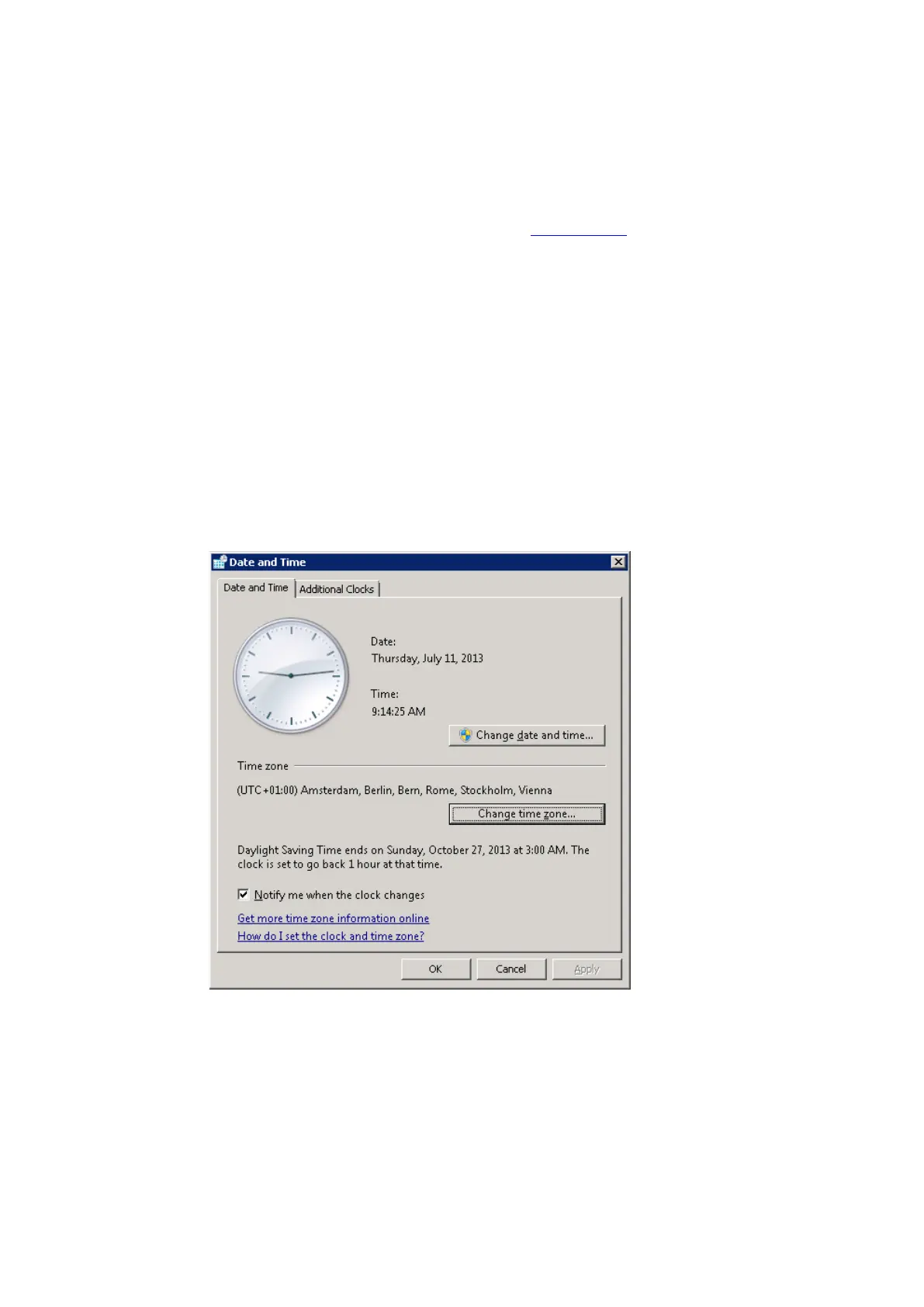
o With the right mouse-key, click on the time display on the Windows task bar.
o In the context menu, select "Adjust date/time".
o Select the "Date and Time" tab.
Fig. 7 Date and Time tab (Windows7)
o Press "Change time zone…"
info@TSE-Systems.com www.TSE-Systems.com


 To Next Page