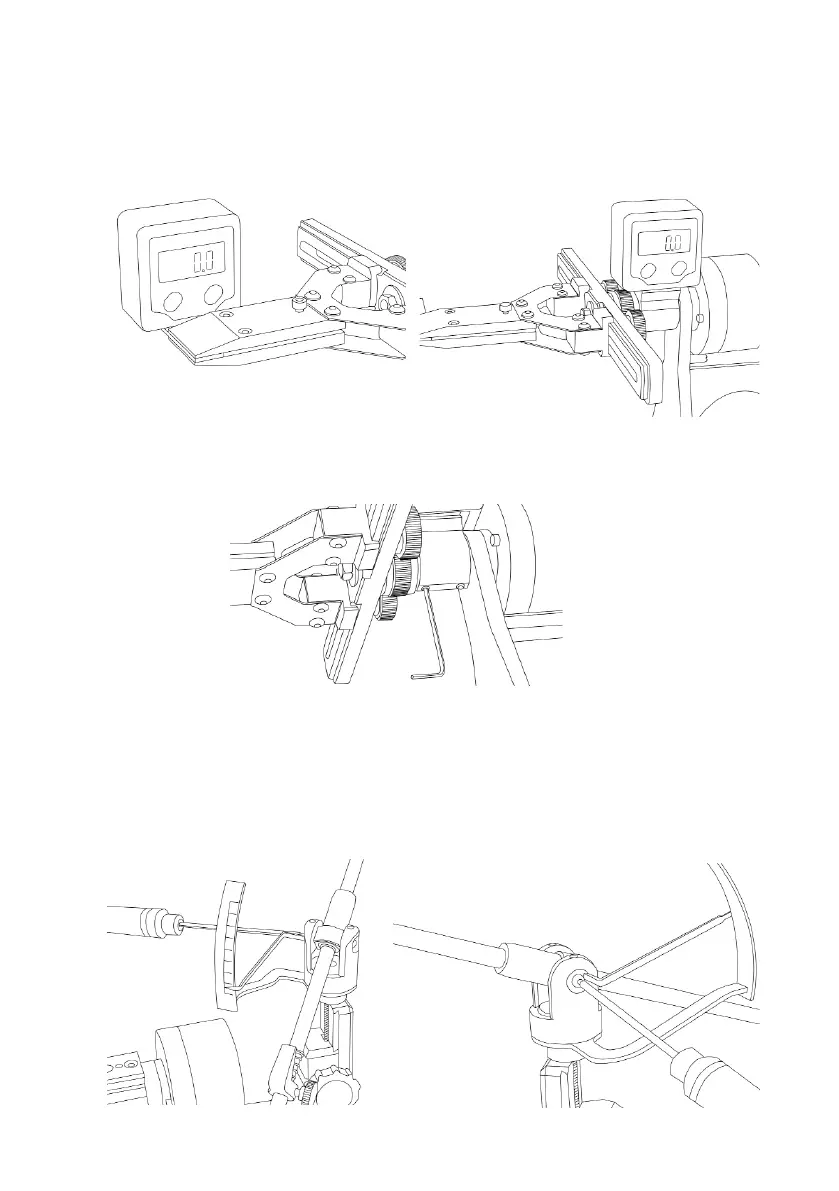
Adjusting the parallelism of the protractor’s platform and turning axis
* Performs after adjustment of the angles symmetry while turning.
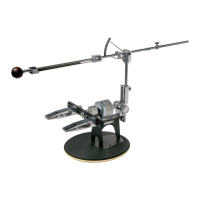
1. Place the digital protractor on the plate and reset its value. Next, set the protractor on a
platform (as shown in the gure), and if the value exceeds 0,3 ° perform the adjustment.
2. With the 2mm hex key. (14A) from the spare parts package, install inclination of the plat-
form by adjustment screws.
Calibration of the in-built gauge
1. Lower the abrasive holder so that the guide bar of the abrasive holder rest at the hinge unit.
Loosen the screw of the arrow of mechanical protractor with 2mm hex wrench, and turn
the arrow on the 36° angle. In this position of the abrasive holder, this angle caused by the
design specialty.
20


 To Next Page