www.ttfone.com11
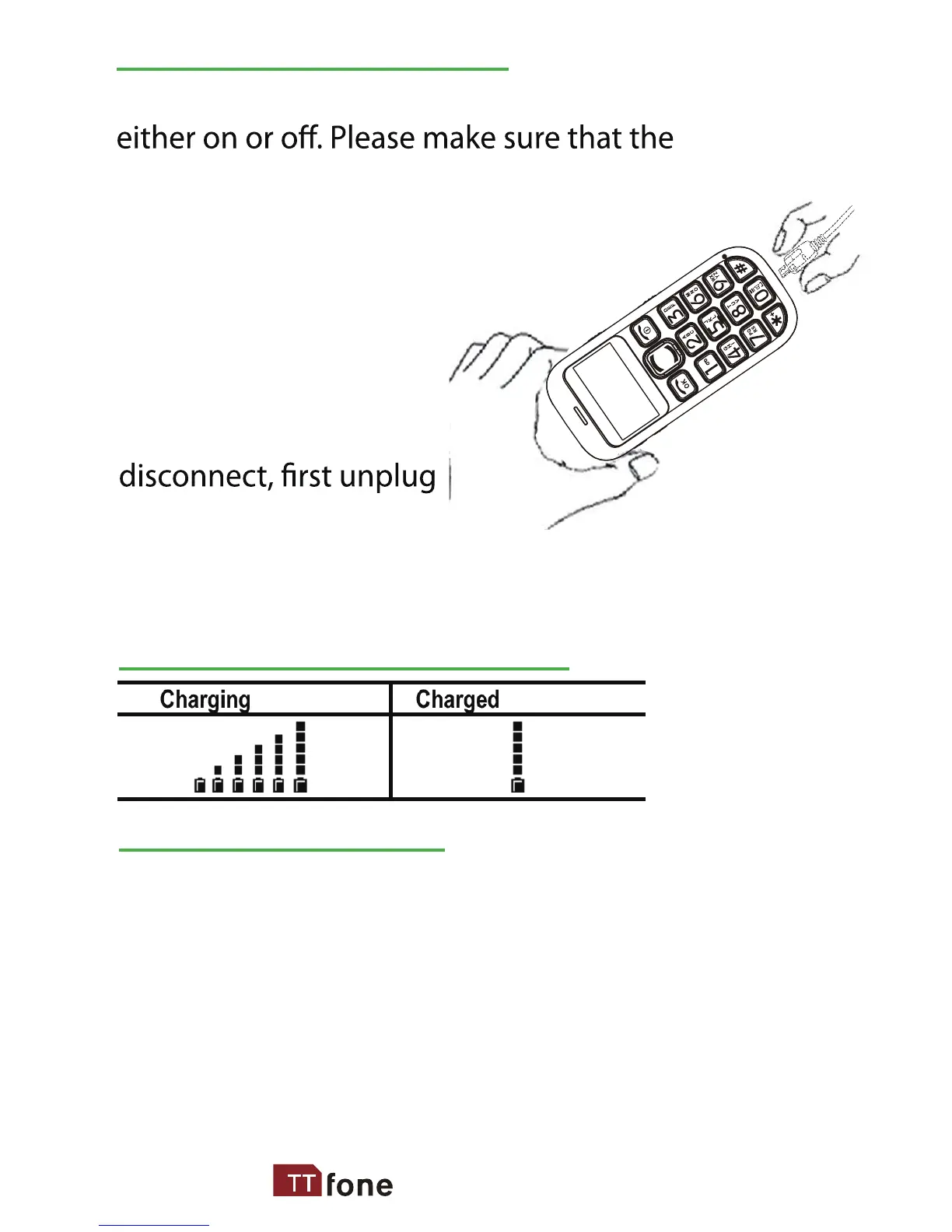
Connect the charger to
its port on the bottom
panel of the phone, and
then plug it into the
240V electrical outlet. To
the charger from the
electrical outlet and then disconnect it from the
phone.
Low Battery Alert
Battery Level Indication
Charging the Battery
Battery can be charged when the phone is
battery is inserted into the phone before
charging.
The phone will sound an alert when the battery is low and
display a message of low battery on the screen.
The TT800 can also inform any friend or relative when the
battery is low by sending a text message to them automatically,
this is a handy feature which can be used to ensure the users
phone is always available.
Go to Options/Tools and then Low Battery SMS - Here you can
switch on and o this feature and you can set the number you
wish to inform when your battery is low.



 To Next Page