www.ttfone.com
the charger before removing the battery. Keep
all SIM cards out of the reach of small chil-
dren. For availability and information about
using SIM card services, contact your SIM
card vendor. This may be the service provider,
network operator, or other vendor. The SIM
card and its contacts are easily damaged by
scratches or bending, so please be careful
when handling, inserting, or removing the card.
2. Getting Started
Install the SIM card and battery
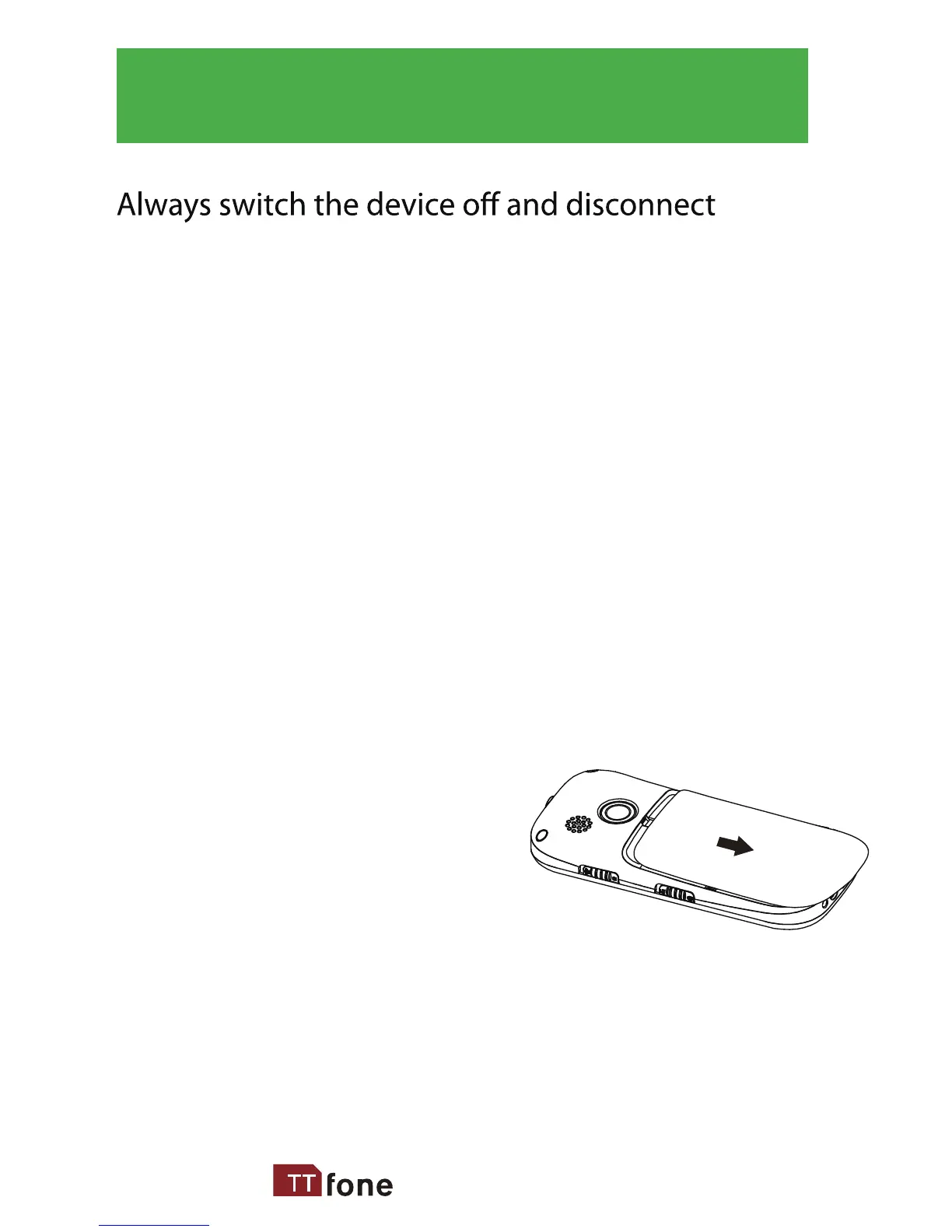
1. Open the battery cover
by lightly pressing on the
back of the phone and
sliding the cover panel down.
8



 To Next Page