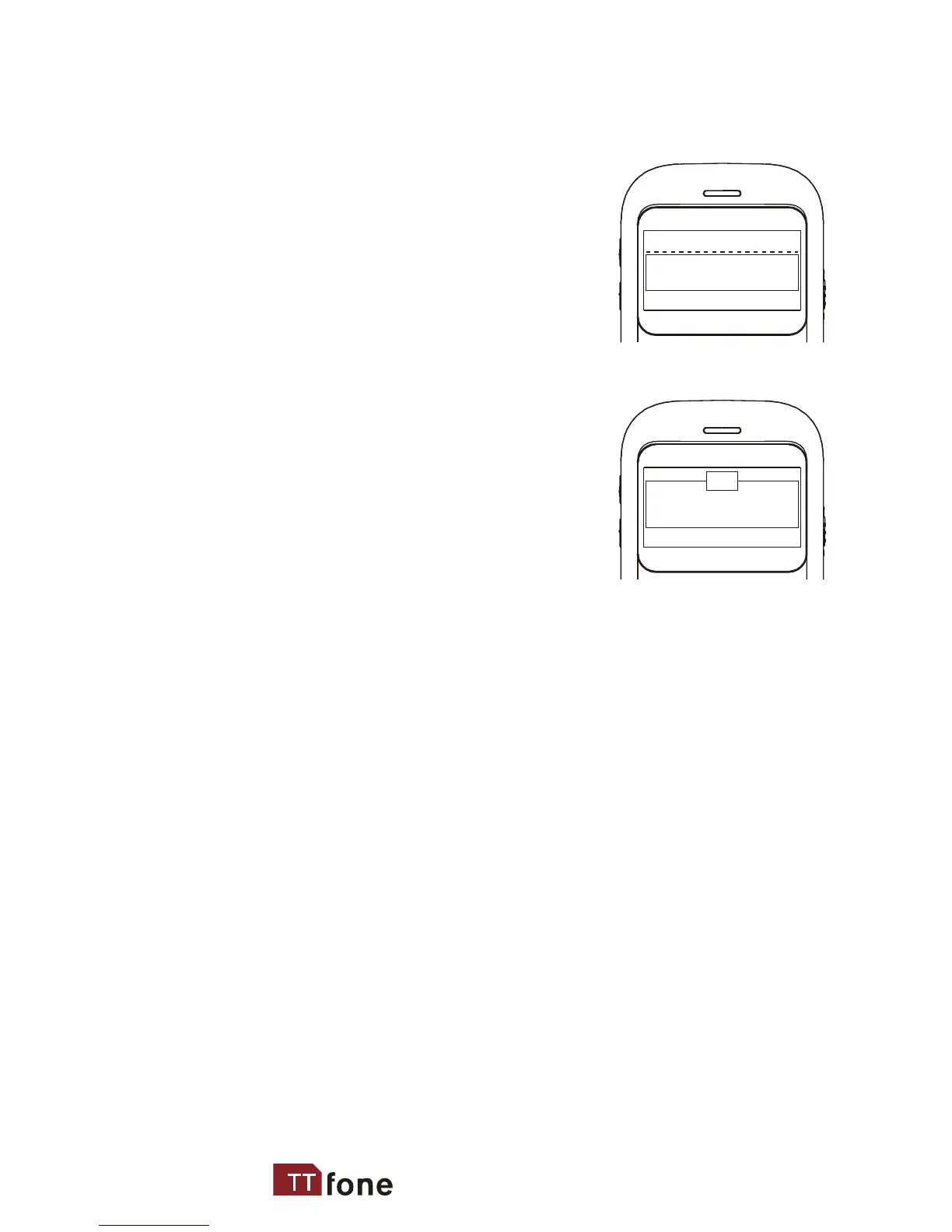
when you rst switch on the phone after inserting
your sim card the phone will ask you for your
emergency number settings
Select EMNo. 1 and type in a
phone number here of a friend
or relative whom you wish to
contact if there is an emergency
then press SAVE
The phone will now ask you if
you would also like to send an
Emergency SMS text message
to this number, select YES or NO
The number will now be saved
If you wish you can add another emergency number
by selecting EmNo. 2 and repeating the steps above
You can add 5 emergency numbers in total
When the SOS button is pressed your phone will send
an SMS and then call your emergency numbers in
sequence until one of your emergency contacts pick
up the phone
after you have nished entering the Emergency
numbers press the RED key to exit this setup screen,
you will now see "Owner info"
Press Edit and here you can type in your name press
OK to save
www.ttfone.com
Add Emerg. No.
Send Emerg-SMS to
Save Delete
Yes No
?
10



 To Next Page