www.ttfone.com
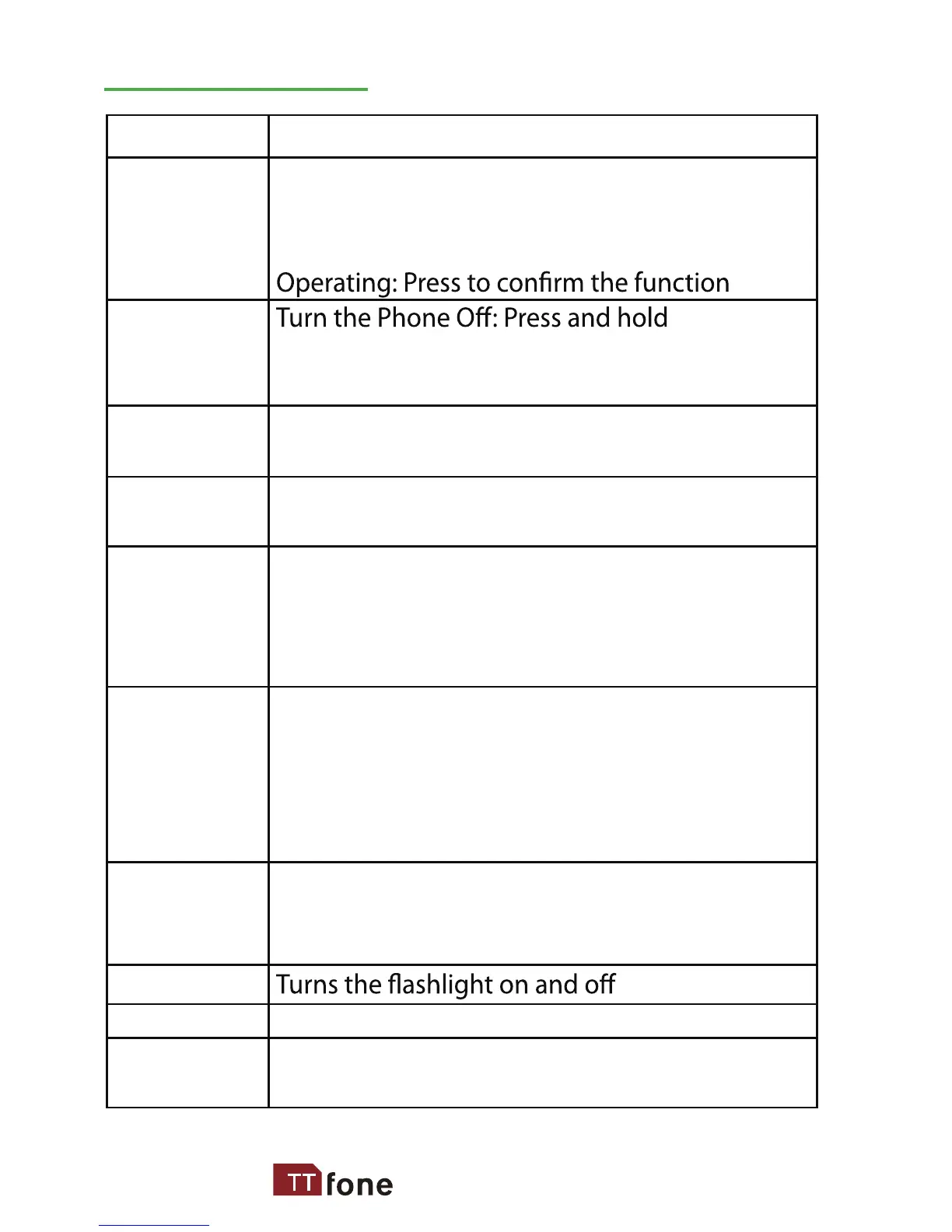
Making Phone Calls: Press to make a call
or Press to pick up an incoming call
Standby Mode: Press to enter call logs
Turn the Phone On: Press and hold
Operating: Press to cancel last action
Standby Mode: Press for main menu
Operating: Press to scroll up
Standby Mode: Press for phonebook
Operating: Press to scroll down
Standby Mode: Press and hold to call set
phone number directly or press once to
type in “#” symbol
Edit Mode: Press to switch typing method
Standby Mode: Press and hold to call the
set number directly or press once to type
in “*” symbol, twice to type in “+” symbol
and three times to type in “P” Editing mode:
Press to access punctuation symbols list
Press to add volume during connection
Press “+” to increase and press “–“ to decrease
the sound volume for phone
Locks and unlocks the keypad
Press the SOS key to call emergency
number
Ok Key
(Green Key)
End Key
(Red Key)
Navigation
Up Key
Navigation
Down Key
# Key
* Key
Volume
Control
and Switch
Flashlight
Lock
SOS
Button
Key
Functions
Key Functions
13



 To Next Page