48
The keys of the keyboard do not answer any more:
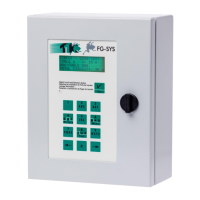
Check the circuit board on the front face. It may not be connected properly to the electronic chart. To
reach it, it is necessary to open the door for the metal enclosure FG-SYS F.
The audible alarm does not stop any more:
In the event of fault, the audible alarm sounds continuously. If it does not stop, use the manual switch,
situated under the green led witness; Check the circuit board on the front face.
Problem from the display:
Contrast decreases, retro-lighting is irregular; the problem can come from the power source. Please
contact TTK UK Ltd., TTK Asia Ltd., or TTK S.A.S.
FG-SYS Digital Unit " blocked ":
Make a «Test ", by pressing on the “ T “ key, on the front keypad. If after one minute, the FG-SYS
Digital Unit is still blocked, turn the Digital Unit off, for at least three minutes, and then turn it on. If still
no response, call TTK UK Ltd., TTK Asia Ltd., or TTK S.A.S.


 To Next Page