3.4 Connection of the Relays
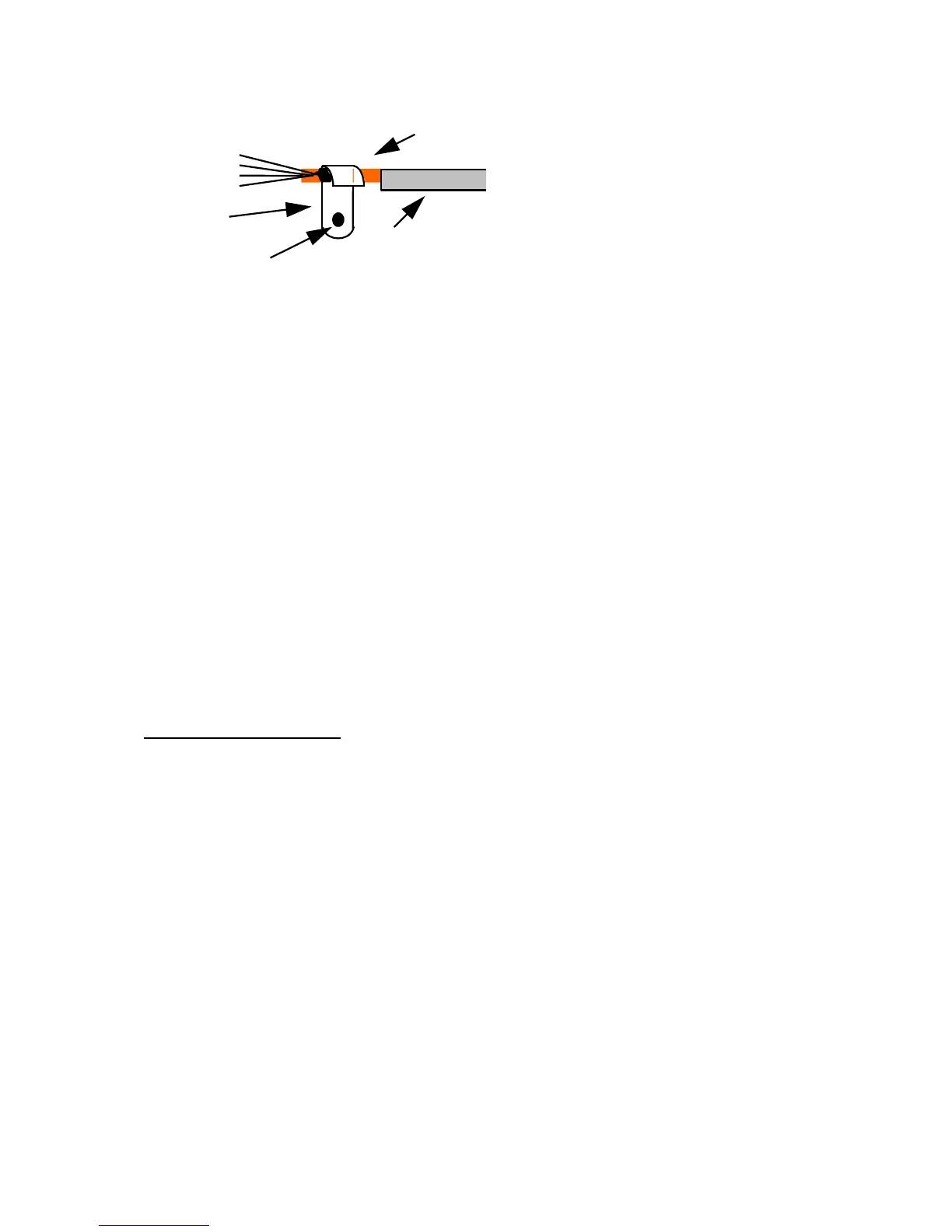
Nine dry relays are available on the FG-SYS Digital Unit with 3 points connector blocks. The electric
characteristics of these relays are the following:
Type: 1 RT
Max. Switching Voltage. : 125 VAC / 60 VDC
Max. Switching Intensity : 1 A
Max. Switching Capacity: 62,5 VA / 30 W
Working load min.: 5 VDC - 1 mA
Nominal load : 0,5 A à 125 VAC
1 A à 24 VDC
You can configure each of the relay with the “Configuration” Menu (ref chapter III 3.2) .
Relays Configurations are the following:
- Normally Open (NO) or Normally Close (NC), depending on the wiring
- Default associated: Leak, Cable Break, Leak or Cable Break
- Associated cable : cable number
Power supply check contact:
An additional contact (not configurable) is available for checking the presence of power.
PLEASE NOTE THAT THESE RELAYS ARE AVAILABLE FROM THE PCB OF THE CENTRAL UNIT.
They should not be confused with the optional Reed-relays Extension Boards described on page 35.
3.5 Connection of RS232 - RS422/485 serial links
The serial links are used for RS232/RS422/RS485 JBUS/MODBUS communication; they are available
via the two connectors located above the power supply. (Refer to appendix 1.)
To configure the serial connections, follow the instructions in section III 3.2.
3.6 Closing the FG-SYS F Digital Unit
All connections being finished, close the FG-SYS F Digital Unit. Fix the part of the unit containing the
circuit board on the part fixed at the wall. Be careful to the various cables connected and the flat
ribbons during closing the front door. Turn the button to fix the door closed.
For the rack version (FG-SYS E), we recommend to fix the various cables to the bay.


 To Next Page