11 | P a g e
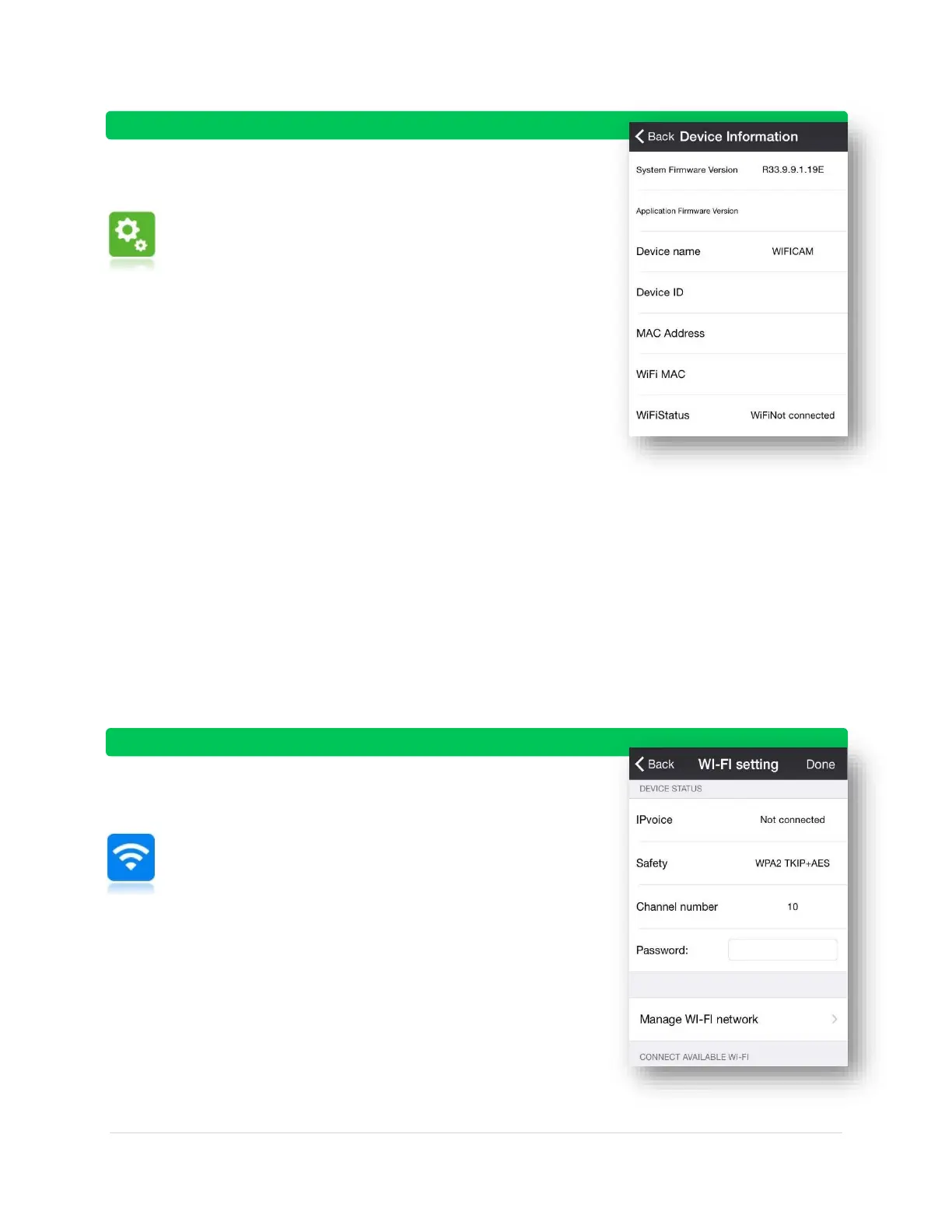
Device Information:
General overview of your security camera’s information including:
software version, MAC address, WI-FI connectivity, and device ID/name
System Firmware Version
o Hardware firmware version #
Application Firmware Version
o Firmware version #
Device name
o the name of your device
Device ID
o ID of your device (unique number)
MAC Address
o address is a unique 12-character identifier
(e.g. 00:00:00:00:00:0X)
WI-FI MAC
WI-FI Status
o Connected
o Not Connected
WI-FI Setting:
This menu is important for connecting to WI-FI. It is very
easy to use. Go to Manage WI -FI network > Connect to your
WI-FI signal that appea rs below > enter in your password
Device Status:
o Tells you if you’re connected to WI-FI
o Security level of your connection
(WPA, TKIP, AES, etc)
o Current channel number (only adjust
for advanced users)
o Enter password for WI-FI network
Manage WI-FI network:
o Shows a list of available WI-FI networks below



 To Next Page