12 | P a g e
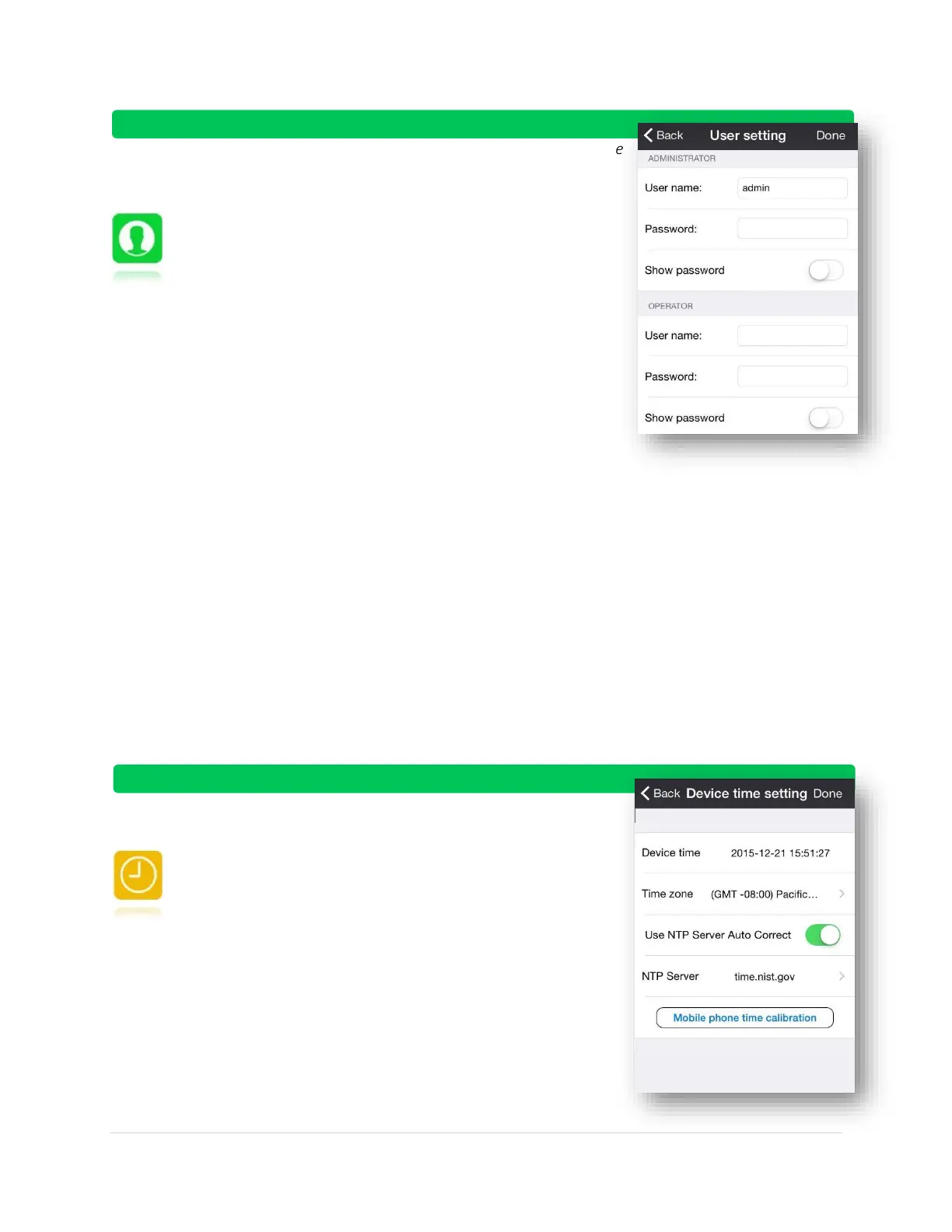
User Setting:
Logging into the camera as administrator or operator. Administrators have
full access to camera functionality and settings. Operators have limited
access to the camera and its features
Administrator Logon (Complete access to camera)
o User Name
o Password
Operator Logon (Limited access to camera)
o User Name
o Password
Device Time Setting:
On this menu, you can set the device time through a Time Zone, a NTP
server, or sync your time to your mobile phone’s time.
Device time – displays current time
Time zone – choose a time zone
Use NTP Server Auto Correct – alternative method for
synchronizing clock (advanced users).
o What is an NTP server? It is a server dedicated to
providing people a National Standard Time. It is often
used to synchronize computer clocks
o NTP Server – choose from four approved options
for NTP connection
Mobile phone time calibration – synchronizes clock to
your phone’s time



 To Next Page