7 | P a g e
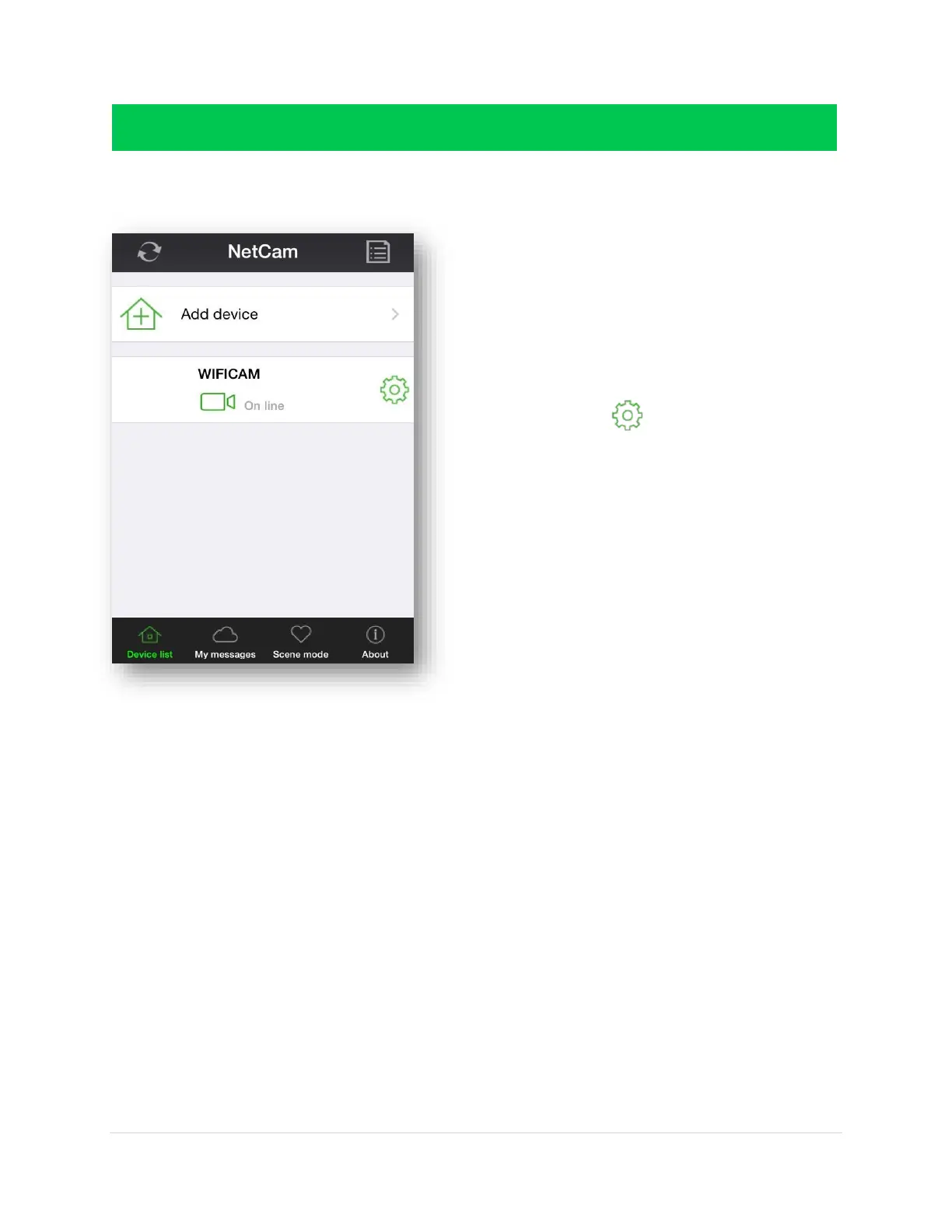
Back to the Device List page or the ‘Main page’
In order to operate your camera, you must have
already added your device to the application. See
Chapter 1 for details on adding a camera
Our example shows “WIFICAM”
o WIFICAM is the name of the camera
o “On line” means it is connected to the
application
o The gear icon is the camera settings
NOTE: For more information on settings
please go to Chapter 3
0



 To Next Page