13 | P a g e
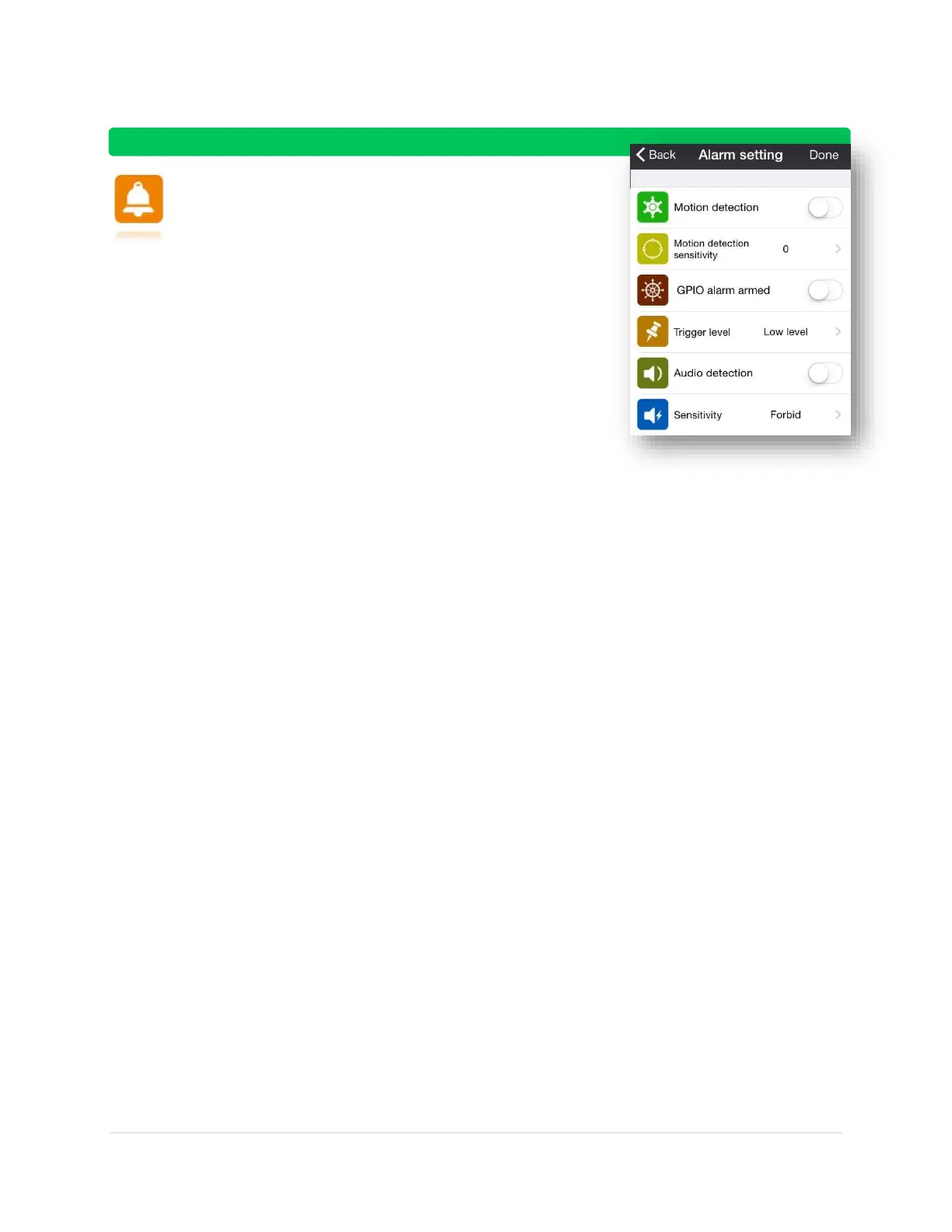
Alarm Setting:
Motion Detection – On (detects motion)
Off (does not detect motion)
o Motion detection sensitivity – 10 settings
0 is the lowest setting and that has NO
detection capabilities. 10 is the highest
setting and is extremely sensitive to
movement
GPIO alarm armed
o NOTE: GPIO is usually reserved to connect a
third party security system to your camera. It
would begin a recording when your GPIO alarm
goes off. It is NOT available for the TS-620
o Trigger level
Low: responds only to your third party
alarm system when it detects heavy
activity
High: responds to your third party alarm
system when it detects ANY activity
Audio Detection – On (detects audio)
Off (does not detect audio)
o Sensitivity – High or Middle or Low



 To Next Page