20 | P a g e
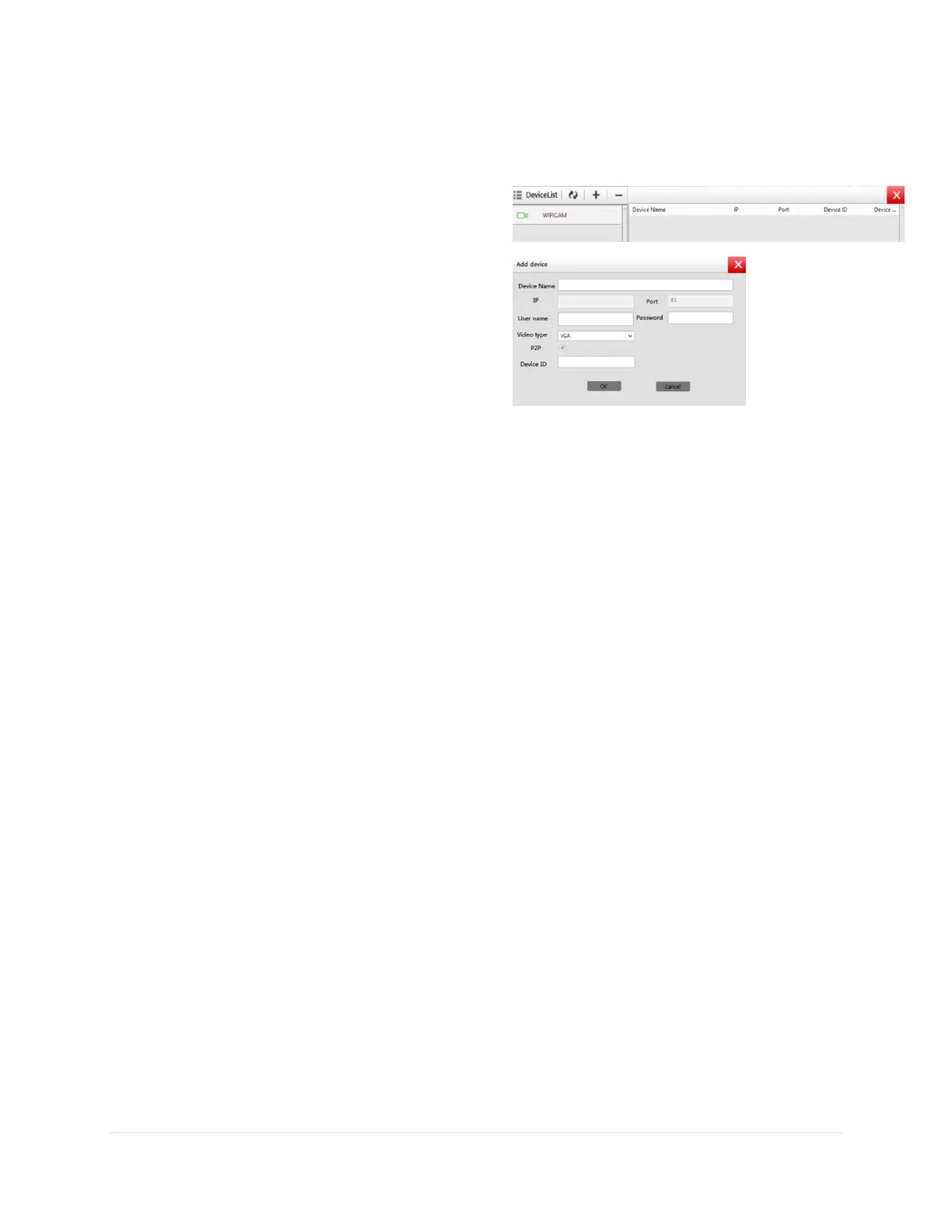
ADDING A DEVICE TO YOUR DEVICE LIST:
Click the + symbol on the top right to add a camera to your list
o Then click the + symbol on the top
left of the menu that pops up (as is
shown in the figure)
Enter your device name,
user name, password, and
device ID
NOTE: video type
does not need to
be altered unless
you are an
advanced user
SETTINGS ON THE PC CLIENT SOFTWARE:
All of the settings mirror the settings on the
application. They should have similar to or
exactly the same functionality.
Please refer to Chapter 3 when trying to
navigate the software settings of your
camera device



 To Previous Page